[go: up one dir, main page]

Tabs in GX

Too many tabs, not enough patience?

Organize your tabs in GX using AI, shortcuts, and smart features. 了解更多

Tabs in GX Tabs in GX

Tab tools, complete

Stack ‘em, sort ‘em, silence ‘em. From visual grouping to AI-powered cleanup, GX gives you the tools to dominate your tab game.

Command your tabs with AI

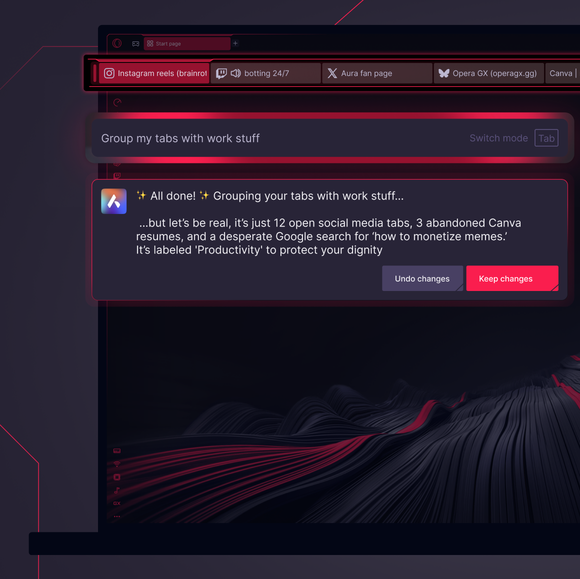
Use natural language with Tab Commands and let Aria – GX’s browser AI – group, close, or bookmark your tabs on demand.

Have tabs organized for you

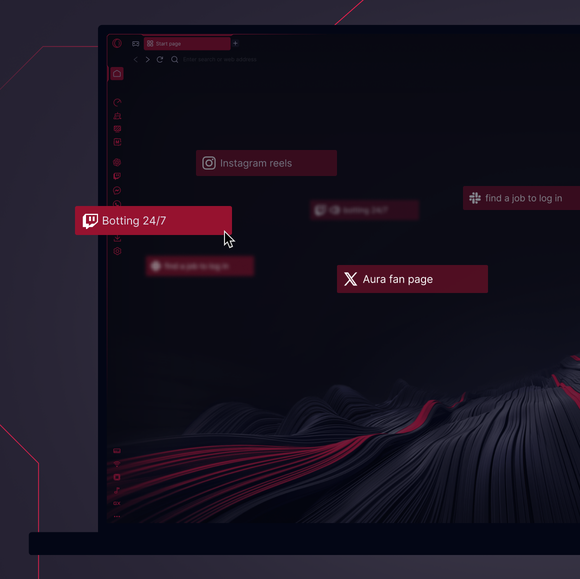
Tab Islands automatically groups tabs by context - shopping, research, doomscrolling - so they stay neatly bundled.

Mark your tabs with your vibe

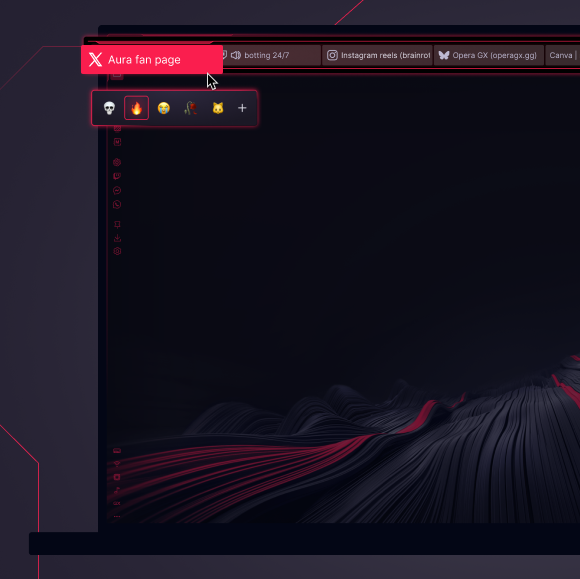
Add Emojis to your tabs to spot them faster or add flair to your chaos. Label your work tab 💼, your game guide 🕹️.

Declutter your tabs in a click

Tell Aria to “close all YouTube tabs” or “bookmark all research tabs,” and it’s done. No dragging.

01
Reclaim your sanity, one tab at a time. Reclaim your sanity, one tab at a time.

Reclaim your sanity, one tab at a time.

GX Control

使用 CPU 和内存限制器提升帧数,而不是风扇速度。

GX 改装

完全定制您的 GX 浏览器。

集成 Twitch

流媒体。Twitch 就在 Opera GX 中。

集成 Discord

随时与你的团队保持联系。

广告拦截器

时间就是财富。更快地处理重要的事情。

TikTok

一边玩 Tiktoks,一边编辑或浏览。

快照

定格它,捕捉它,轻松前行。

键盘声音

每次敲击都能发出自定义键盘声音

VKontakte

一边玩游戏、浏览网页或观看视频流,一边在 VK 上聊天。

WhatsApp

在浏览的同时保持对话。

电报

无需离开游戏即可进入 DM。

Instagram

不失时机地滚动卷轴和帖子。

信使

当你专注于更多事情时,DM 保持开放。

Deezer

音乐就在您工作(和娱乐)的地方。

潮汐

寻找你的声音。通过 Tidal 获取灵感。

YouTube Music

为屏幕上的任何内容配乐。

Spotify

用您最喜爱的音乐为您的浏览提供动力。

苹果音乐

在浏览网页的同时聆听您最喜爱的曲目。

适用于 Windows 的免费 VPN

使用免费 VPN 在 Windows 上私密浏览。

适用于 Mac 的免费 VPN

使用 GX 在 Mac 设备上私密浏览。

浏览器游戏

把浏览器变成你的游乐场

游戏预告片

直接从源头查看即将推出的游戏。

游戏交易聚合器

在您玩游戏的地方快速获得顶级游戏折扣。

发布日历

千万不要错过新游戏发布。

浏览器配置文件

你们每个人的个性简介。

自定义光标

让每一次点击都明确无误地属于你。

Opera 翻译

用你的语言阅读任何网站。

标签岛

标签过载?用 Tab 岛来主宰它。

标签表情符号

为您的标签增添一些个人特色。

蓝天

在 Opera GX 浏览器中使用 Bluesky。

松弛

减少切换。多做事。现在在 GX 中松懈下来。

个人新闻

在侧边栏直接获取重要新闻。

GX 网络限幅器

控制 GX 浏览器的带宽。

浏览器中的 X

无需切换标签,即可在比赛过程中发布微博。

实时壁纸

抛弃沉闷。为您的桌面注入活力。

着色器

在所有网站上应用视觉过滤器。

背景音乐

沉默是无趣的。动感的音乐会适应你。

Force Dark Pages

调暗灯光,提升格调。

Fake My History

用健康取代你的罪恶感。

RGX Mode

高清视觉效果让你的眼睛摆脱平庸。

Panic Button

F12 清除。只需点击一下,就能保守你的秘密。

电池保护器

你有动力Opera GX 可延长电池寿命。

视频弹出

浏览时在浮动视频窗口中观看。

书签

您最喜爱的景点,已牢记于心并准备就绪。

工作空间

标签组。在不同的上下文之间快速切换。

针板

钉上它,策划它,发布它。拿起并藏好你的宝石。

Flow

在所有设备上共享文件、链接和想法。

信使

游戏继续,聊天继续!聊天不卡顿

音乐播放器

将您最喜爱的音乐和播客集于一身。

GX Cleaner

用浏览器的垃圾换速度。

免费 VPN

隐私无损,无附加条件。

GX Corner

Games, releases, news and deals in your corner.

Split Screen

Double the view, half the mess in GX.
01

How do I use the Tab Command feature in Opera GX?

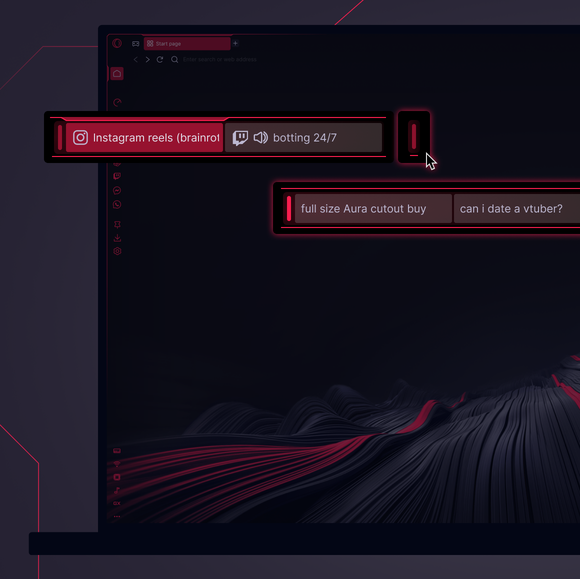
To use Tab Commands in Opera GX, press Ctrl + / on Windows or Cmd + / on Mac to open the Command Line. In the prompt that appears, type natural language instructions like Close all YouTube tabs or Group my shopping tabs. Aria, GX’s built-in AI, will interpret your request and provide a preview of the changes.

You can then choose to apply or discard the suggested modifications. Alternatively, if you have five or more tabs open, you can right-click on any tab and select AI Tab Management from the context menu to access predefined tab management options.

How does Opera GX use AI and natural language to manage tabs?

Opera GX uses its integrated AI assistant, Aria, to interpret natural language commands for tab management.

Say Pin all tabs with documents, and Aria does it for you - pinning, grouping, or closing - then summarizes the changes for your approval. Effortless tab management, done smart.

What are some example commands I can use to control my tabs?

Manage your tabs with simple natural language commands - like Close all tabs except this one or Group my Wikipedia tabs. Easily pin, bookmark, or close tabs to keep your browsing organized and efficient.

How do I quickly find tabs or switch between tabs in Opera GX?

Opera GX provides keyboard shortcuts to navigate between open tabs efficiently. Pressing Ctrl + Tab allows you to cycle forward through your open tabs, while Ctrl + Shift + Tab cycles backward. These shortcuts provide quick access to your tabs without requiring manual clicking.

您值得拥有更好的浏览器

Opera 的免费 VPN、广告拦截器和 Flow 文件共享。 Opera 内置了一些必备功能,可实现更快、更流畅和无干扰的浏览,旨在改善您的在线体验。
您值得拥有更好的浏览器 您值得拥有更好的浏览器

此页面已进行人工智能翻译。如果您发现任何错误,请通过 forums.opera.com 报告,帮助我们改进。