桌面上的 Instagram


Benefits of Instagram in Opera
在浏览器中轻松查看 Instagram 消息、故事、照片和更多内容。



浏览时在桌面上使用 Instagram
从桌面投放照片并发布到 Instagram
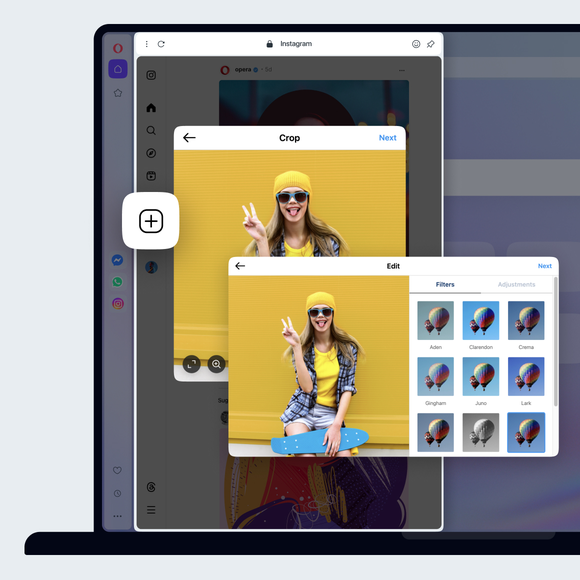
You don't need a mobile device to post to Instagram. Just open Instagram from your sidebar in the Opera browser. Click the + icon on the left to post photos to Instagram from your desktop computer. Upload photos to Instagram on desktop by selecting or simply dragging and dropping a photo.
将 Instagram 账户设为私人账户
点击左侧的 Instagram个人档案按钮,然后点击右上角的设置图标(齿轮)。选择 "设置和隐私",然后切换 "私人账户"。
Avoid accidentally liking photos on Instagram
Sign into the Instagram web feature in the Opera browser. Then you can only like photos by clicking with your mouse, rather than tapping.
过滤 Instagram 中的关键字
点击左侧的个人资料按钮,然后点击右上角的设置(齿轮)图标。选择设置和隐私。在左侧,选择 "他人如何与你互动"。在"评论 "下方,单击 "管理评论设置"。在 "评论过滤 "部分,您可以添加关键词。包含这些单词或短语的评论将被自动隐藏。
查看你被标记的所有 Instagram 照片
Using Instagram in the Opera browser, click on your Instagram profile on the left and click Tagged. You will be presented with all the Instagram photos you are tagged in.
启用 Instagram 的双因素身份验证
Instagram 的双因素身份验证现在可以通过 Meta 账户中心进行管理。要通过 Instagram 应用程序进入该中心,请单击左侧的个人资料按钮,然后点击右上角的设置(齿轮)图标。选择 "设置和隐私"。在左上角单击 "账户中心 "中的 "查看更多",这将打开一个单独的页面。在此单击密码和安全性,然后单击双因素身份验证,并按说明操作。
更改 Instagram 通知设置
Open Instagram from the sidebar in the Opera browser, click the Instagram profile button on the left, then the settings icon (gear) in the top-right. Select Notifications and choose how you want to be notified.
下载所有 Instagram 数据
你可以通过 Meta Accounts Center 下载 Instagram 的所有数据。要通过 Instagram 应用程序下载数据,请单击左侧的个人资料按钮,然后点击右上角的设置(齿轮)图标。选择设置和隐私。在左上角单击 "账户中心 "中的 "查看更多",这将打开一个单独的页面。在此单击 "您的信息和权限",然后单击 "下载您的信息"。
Send direct messages on Instagram
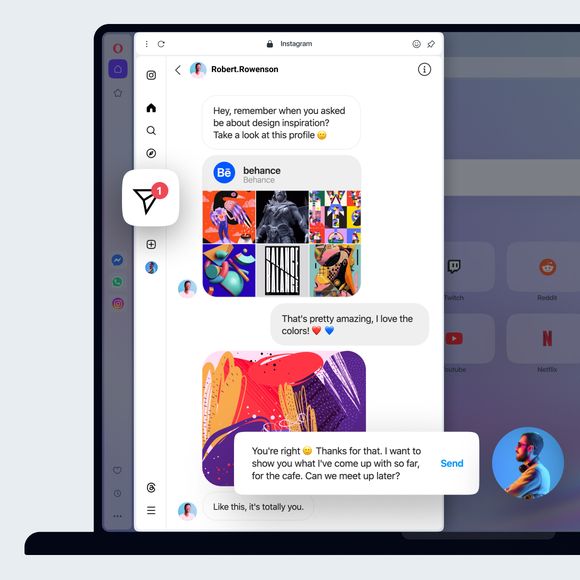
Open Instagram from the sidebar in the Opera browser. Click the Instagram Messages icon on the left. It looks like a paper airplane.
清除 Instagram 搜索历史记录
你可以通过元账户中心清除 Instagram 搜索历史记录。在 Instagram 应用程序中,点击左侧的个人资料按钮,然后点击右上角的设置(齿轮)图标。选择设置和隐私。在左上角单击 "账户中心 "中的 "查看更多",这将打开一个单独的页面。在此单击 "您的信息和权限",然后单击 "搜索历史记录",再单击 "清除所有搜索"。
检查你的 Instagram 登录活动
You can check your Instagram login activity through the Meta Accounts Center. To get there through the Instagram app in Opera, click the profile button on the left, then the settings (gear) icon in the top-right. Select Settings and privacy. In the top-left, click See more in Accounts Center, which will open a separate page. Click Password and security, followed by Where you’re logged in. There, you can see your activity and confirm whether or not it was you, as well as set up alerts.
查看谁在 Instagram 上关注你
点击左侧的 "个人资料 "按钮,然后点击中心上方的 "关注者"。
您值得拥有更好的浏览器