What’s the difference between older versions of Revu and subscription?
I’m currently using an older version of Revu. How do I upgrade to Revu 21?
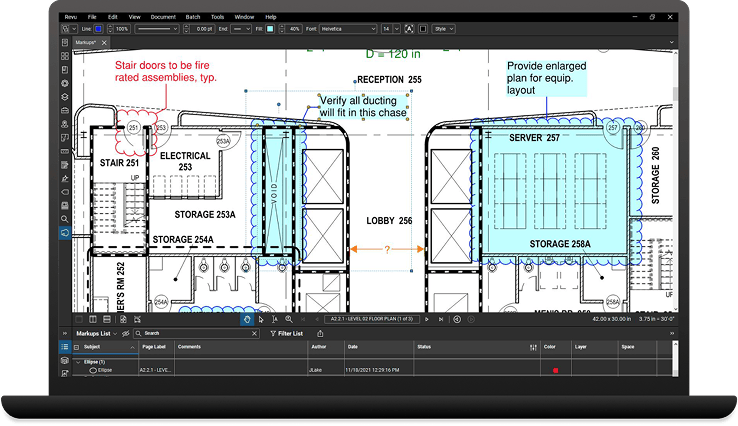
You can purchase a Bluebeam subscription plan in our web store to access Revu 21 and Bluebeam for web and mobile.
How do I know which version of Revu I have?
To verify which version you have on your Windows computer, click Start > Settings > Apps and search “Revu”. You’ll need your Bluebeam ID to access Revu 21 and Bluebeam for web and mobile.
How do I log in to Revu and Bluebeam for web and mobile?
If you purchased a subscription, you’ll just need your BBID to access Revu 21 and Bluebeam for web and mobile. For Revu 20 or an earlier version, you’ll need a serial number and product key to register Revu. For help with finding your product key, check out this article.
I logged into Revu 21, but some of the functionality is inaccessible/grayed out. What does that mean?
This could mean that you haven’t purchased a Bluebeam subscription, or you’ve logged in with a BBID not associated with your current subscription. You can view our plans here.
How do I update to the latest dot release?
If you’re a Bluebeam subscriber, alerts will appear in Revu 21 when new updates are available and you can choose to update at that time. For Bluebeam on web and mobile, you’ll receive ongoing updates automatically on the web and the iOS app may need to be updated periodically on your device. If you’re using Revu 20, alerts will appear when new updates are available and you can choose to update at that time.
I’m trying to upgrade an older version of Revu, but my serial number and product key don’t work.
You may be using a serial number and product key for an older version. Contact us.
What options do you offer for Mac users?
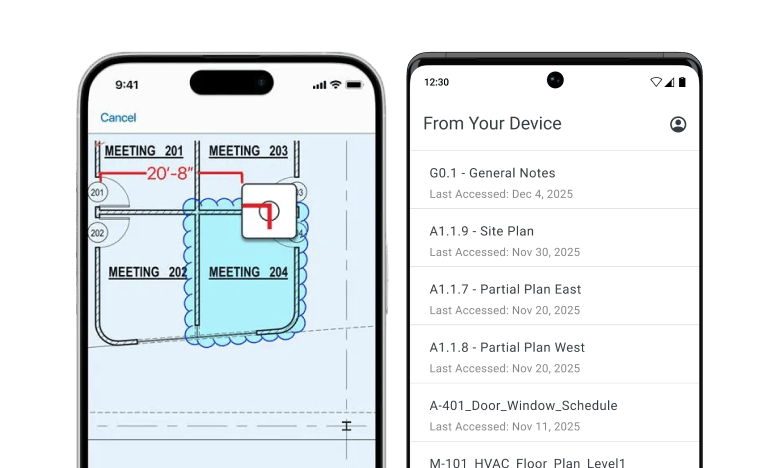
You can easily access your drawings and documents from Revu on any web or iOS device by logging into Bluebeam on web or mobile. Try Bluebeam free for 14 days.
Can you download Bluebeam for free?
Bluebeam is available to download and trial for 14 days. You’ll get access to our current version, Revu 21, and our most comprehensive plan, Complete, plus Bluebeam for web and mobile.