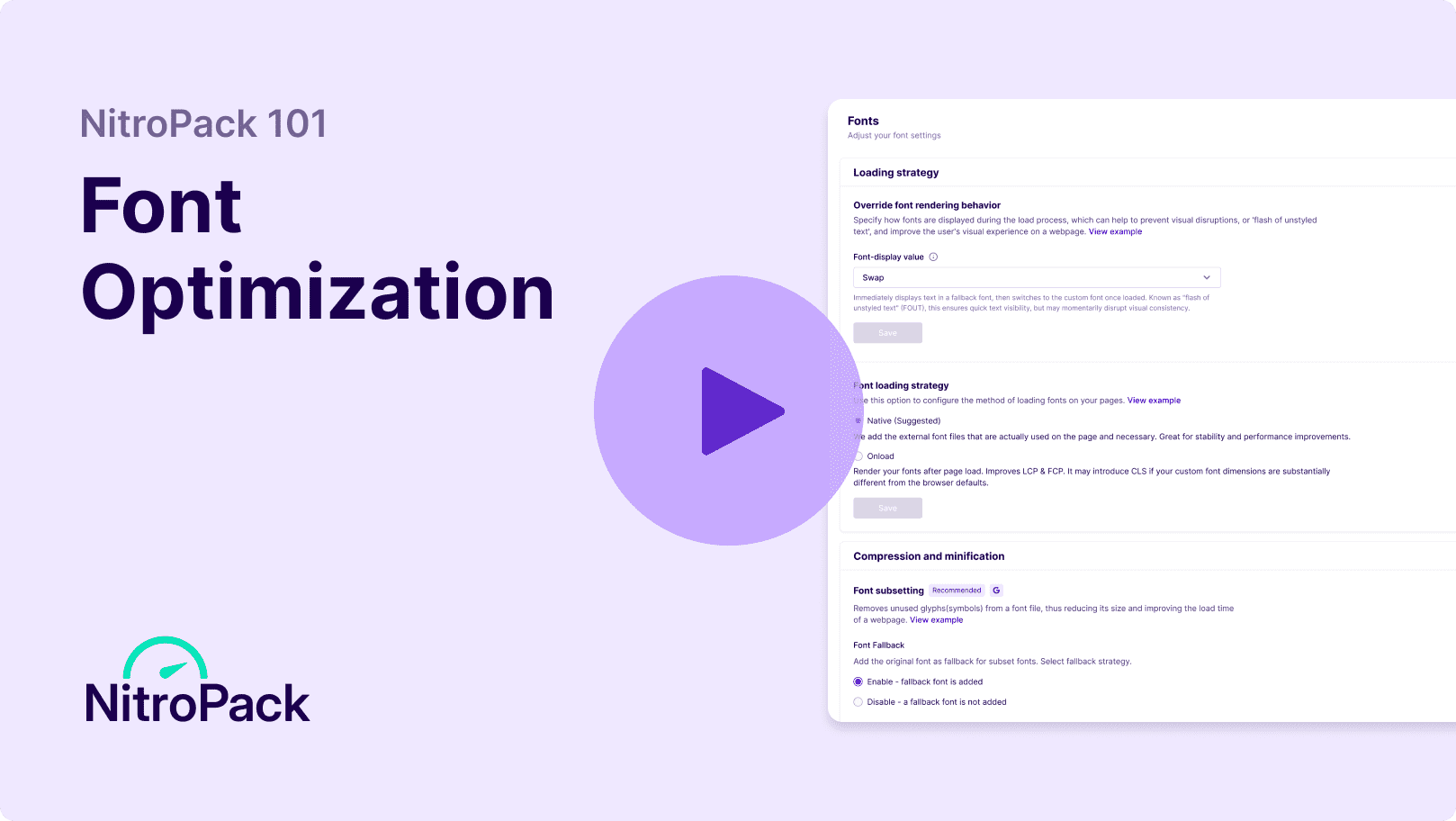
With NitroPack’s complete font optimization, you can deliver lightning-fast text rendering with no visual disruptions. Override rendering behavior, compress fonts, subset unused glyphs, and more—all on autopilot.
Web fonts are getting larger, slowing page loads—especially on mobile or slower connections. While WOFF2 adoption is growing, many sites still use uncompressed fonts or fail to subset unused glyphs, leading to inefficiencies and longer load times.
Only 11% of websites use the most effective <preload> resource hint, while many still rely on outdated strategies like blocking text until fonts load—resulting in poor user experience, delayed content visibility, and failed Core Web Vitals.
Font Awesome and other icon fonts are used by 15% of websites, yet they’re notorious for performance issues. These fonts lack proper fallbacks, increase font file sizes unnecessarily, and often delay text rendering—hurting page speed and user experience.
Compress, subset, and override all your font files for better text rendering and zero font-related disruptions.
Convert fonts to the WOFF2 format, reducing their size by up to 60% for faster delivery.
Choose the best method for loading fonts on your pages to balance performance and visual appeal.
Boost the performance of Google-hosted fonts by hosting them on NitroPack’s CDN.
Remove unused glyphs from font files to reduce their size and improve page load times.
Enable text compression
Yes! NitroPack allows you to override font rendering behavior, ensuring text remains visible during the load process. Options like swap or fallback eliminate visual disruptions and improve the user experience.
Absolutely. NitroPack works seamlessly with self-hosted fonts, optimizing them with compression, subsetting, and other enhancements to ensure they load quickly.
Yes! NitroPack optimizes Google Fonts by hosting them on its CDN, speeding up delivery while keeping font files lightweight.
NitroPack reduces large font files with subsetting (removing unused glyphs) and compression, ensuring manageable sizes without impacting quality.
NitroPack optimizes icon fonts by compressing and serving them efficiently. However, we recommend replacing icon fonts with SVGs for better performance and scalability.
Yes, NitroPack addresses font-related Core Web Vitals issues, including improving Largest Contentful Paint (LCP) and ensuring text remains visible during load to reduce CLS.