Búsqueda de pestañas


Benefits of Search in Tabs
Adquiere el hábito de trabajar eficientemente con muchas pestañas.



Trabaja y navega de manera más eficiente con muchas pestañas abiertas
La Búsqueda en Pestañas es una característica simple pero extremadamente útil
We use a lot of tabs. With so much to see and do online, why would we do otherwise? The usefulness of a horde of open tabs does begin to be outweighed however, by the difficulty in managing them. If you can’t read your tab titles, how do you find the tab you want?
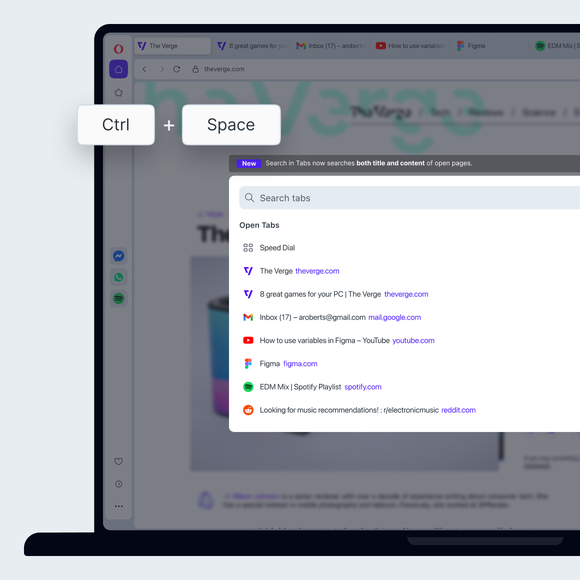
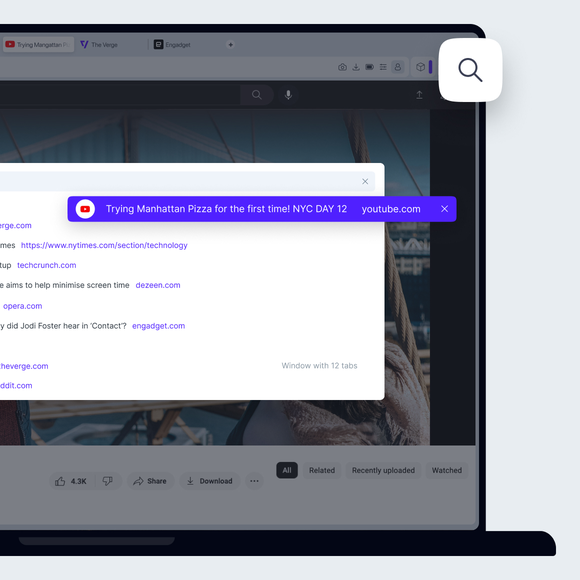
With Opera, just click Ctrl+Space and type what you’re looking for. Don’t like shortcuts? You can also click the magnifying glass icon to the right of your tabs, or open your tab search from the main menu.
Fácil navegación entre pestañas
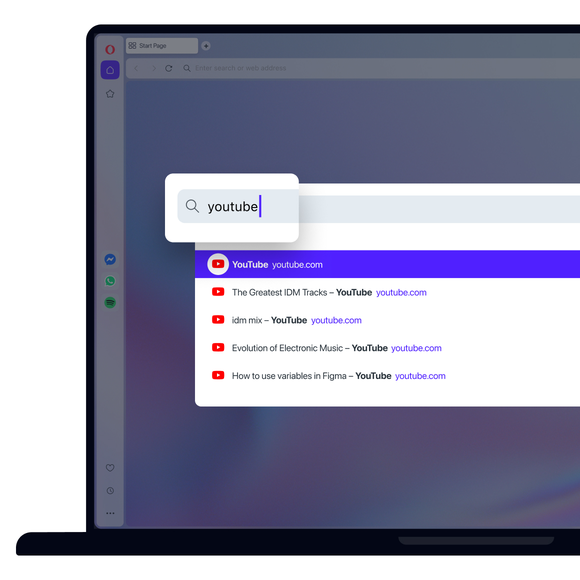
The Search in Tabs tool narrows down your open tabs as you type, so even if you only remember one word, or are not sure of the spelling, you can still find the right tab.
For even faster tab navigation, you can use your arrow keys to go down the list, and then hit enter when find your tab. And, on the subject of tab management, you should get to know Opera’s Workspaces feature, and a better way to use Bookmarks. You won’t regret it.
Un buen hábito para adquirir
The Search in Tabs feature may seem like a small simple tool, but once you get in the habit of using it, you’ll never underestimate its practicality, not to mention its convenience.
With a couple keystrokes you can find the page you were using fifteen tabs ago, or the articles you optimistically decided to read later. Never again will you find yourself reopening the same tab again and again, or closing all of your tabs at once out of frustration.
Mereces un navegador mejor