
SSH.id
by
SSH.id
by

SSH.id
Fetch all your public keys with just your
SSH.id handle.


admin-devops-team
alex@admin-laptop:~$
█
admin-devops-team
alex@admin-laptop:~$
curl https://sshid.io/alex
#Macbook Pro
ecdsa-sha2-nistp256 AAAAE2VjZHNhLXNoYTItbmlzdHAyNTYAAAAIbmlzdHAyNTYAAABBBFHwmj3ggITWZxecxu9zrbNuZJCRXOGF3NxQWSnc/DicxlXS7kbW/4qvSFocaF+RuD+wQu90uMt4AEfCDZoIwQM=
#iPhone 17 Pro
ecdsa-sha2-nistp256 AAAAE2VjZHNhLXNoYTItbmlzdHAyNTYAAAAIbmlzdHAyNTYAAABBBFHwmj3ggITWZxecxu9zrbNuZJCRXOGF3NxQWSnc/DicxlXS7kbW/4qvSFocaF+RuD+wQu90uMt4AEfCDZoIwQM=
#HP Elite Book 840
ssh-ed25519 AAAAC3NzaC1lZDI1NTE5AAAAIDA5YCyXGFdUVAuEgSSbdx0c6ZJlRwRFThfsmzyve0ku
alex@admin-laptop:~$
admin-devops-team
alex@admin-laptop:~$
curl https://sshid.io/alex
#Macbook Pro
ecdsa-sha2-nistp256 AAAAE2VjZHNhLXNoYTItbmlzdHAyNTYAAAAIbmlzdHAyNTYAAABBBFHwmj3ggITWZxecxu9zrbNuZJCRXOGF3NxQWSnc/DicxlXS7kbW/4qvSFocaF+RuD+wQu90uMt4AEfCDZoIwQM=
#iPhone 17 Pro
ecdsa-sha2-nistp256 AAAAE2VjZHNhLXNoYTItbmlzdHAyNTYAAAAIbmlzdHAyNTYAAABBBFHwmj3ggITWZxecxu9zrbNuZJCRXOGF3NxQWSnc/DicxlXS7kbW/4qvSFocaF+RuD+wQu90uMt4AEfCDZoIwQM=
#HP Elite Book 840
ssh-ed25519 AAAAC3NzaC1lZDI1NTE5AAAAIDA5YCyXGFdUVAuEgSSbdx0c6ZJlRwRFThfsmzyve0ku
alex@admin-laptop:~$
admin-devops-team
alex@admin-laptop:~$
curl https://sshid.io/alex
#Macbook Pro
ecdsa-sha2-nistp256 AAAAE2VjZHNhLXNoYTItbmlzdHAyNTYAAAAIbmlzdHAyNTYAAABBBFHwmj3ggITWZxecxu9zrbNuZJCRXOGF3NxQWSnc/DicxlXS7kbW/4qvSFocaF+RuD+wQu90uMt4AEfCDZoIwQM=
#iPhone 17 Pro
ecdsa-sha2-nistp256 AAAAE2VjZHNhLXNoYTItbmlzdHAyNTYAAAAIbmlzdHAyNTYAAABBBFHwmj3ggITWZxecxu9zrbNuZJCRXOGF3NxQWSnc/DicxlXS7kbW/4qvSFocaF+RuD+wQu90uMt4AEfCDZoIwQM=
#HP Elite Book 840
ssh-ed25519 AAAAC3NzaC1lZDI1NTE5AAAAIDA5YCyXGFdUVAuEgSSbdx0c6ZJlRwRFThfsmzyve0ku
alex@admin-laptop:~$
Every connection is protected by default, giving you strong security without extra steps.
Passkeys are private keys generated and stored on your computer or phone. They never leave your device and cannot be copied or exported. Only public keys are synced to update your ~/.ssh/authorized_keys.
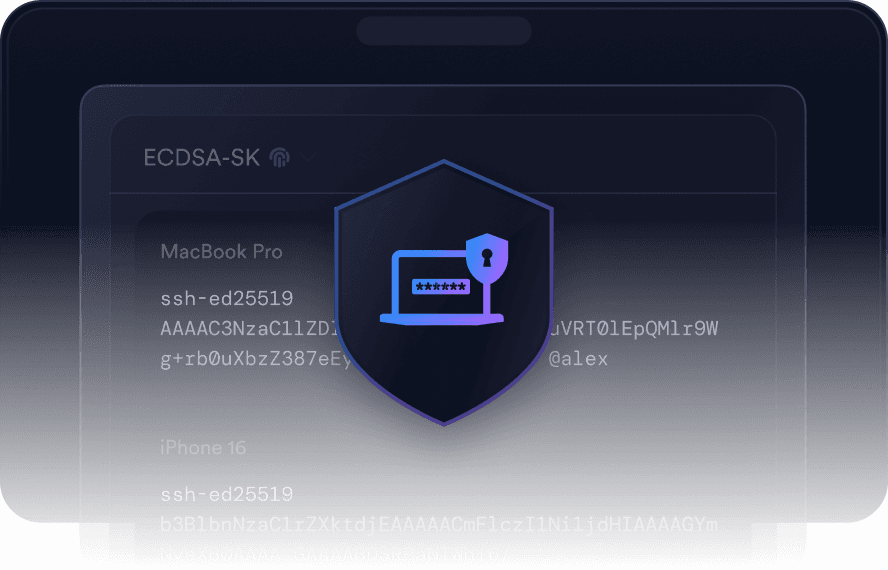


SSH.id works with Face ID, Touch ID, and Windows Hello. Every connection requires your biometric confirmation, so even if your device is compromised, no one can access it without you.
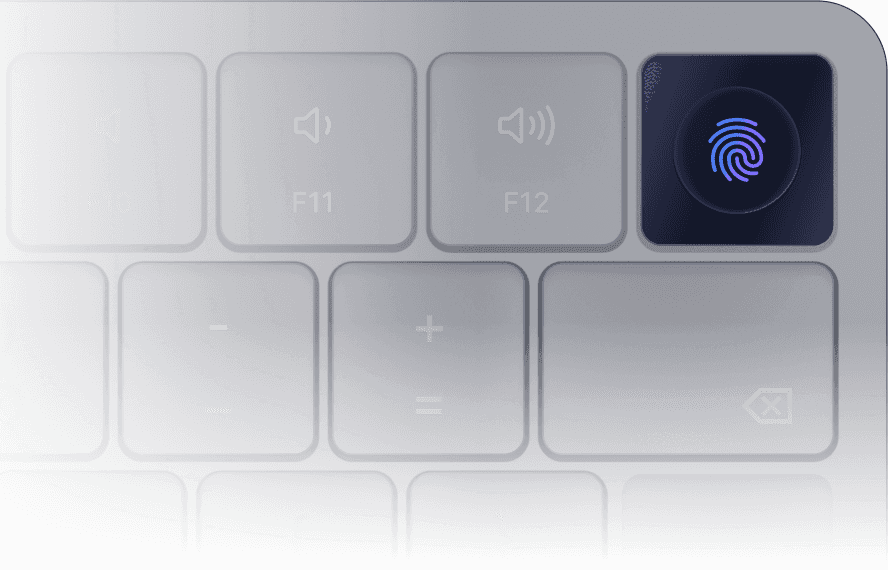


SSH.id provides strong protection without adding friction with key management.
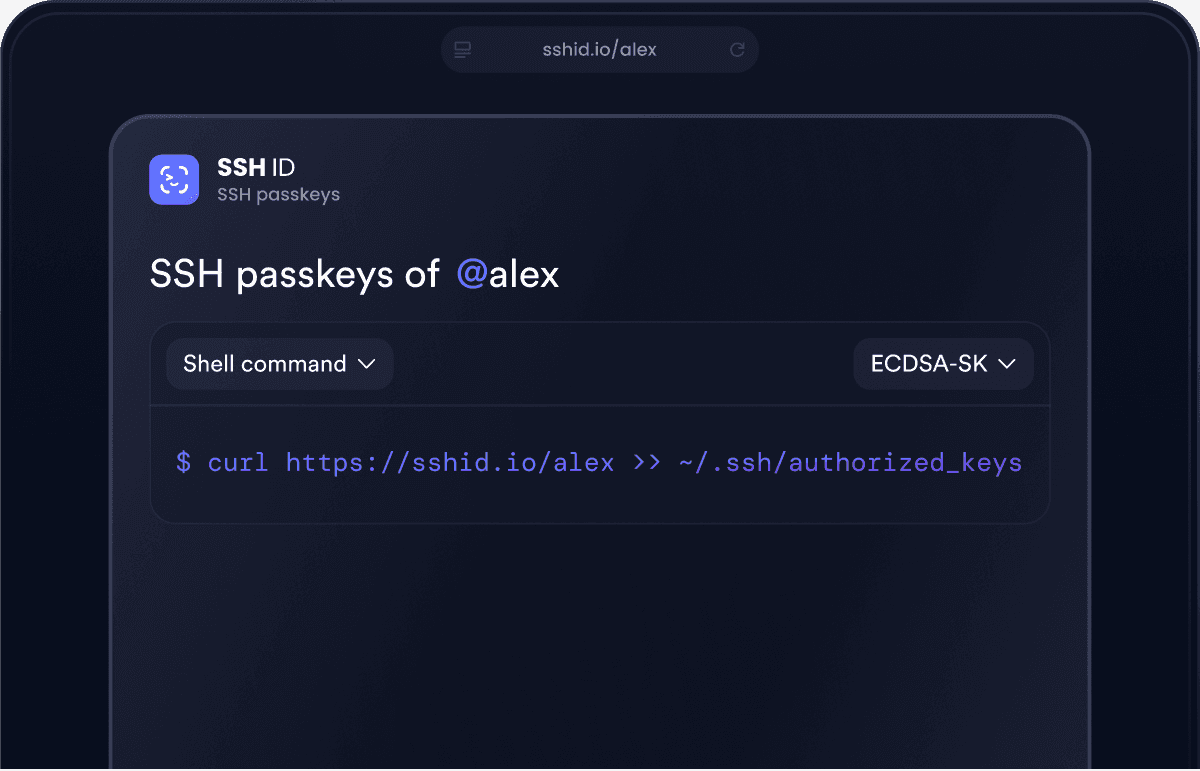
Access your keys instantly from anywhere with just your SSH.id handle. Update ~/.ssh/authorized_keys on a server with a simple curl or share your keys with others by sending the same link.


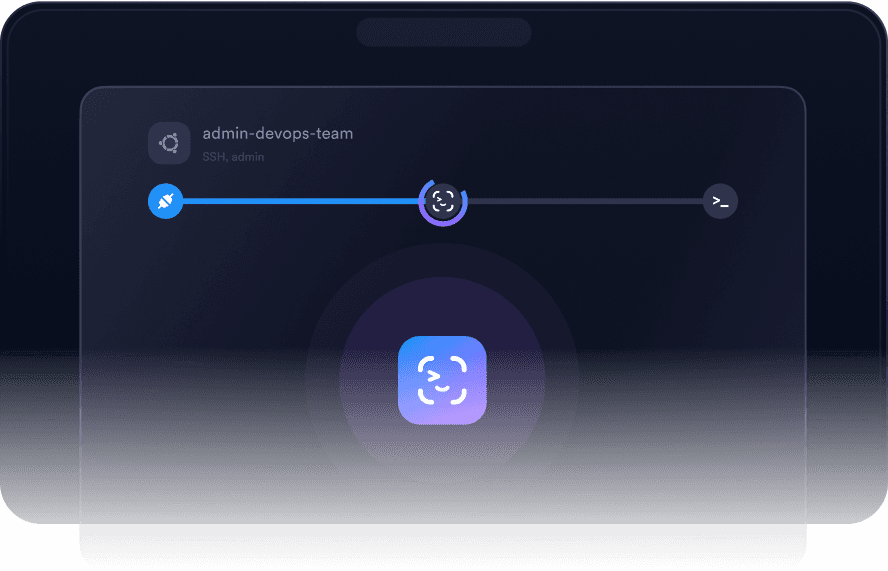
SSH.id automatically selects the right key available on your device, so you can connect with one click without manual setup and hassle.


Get unique, device-bound passkeys on each of your devices.
1
Get Termius
Download Termius↗ to all your devices.
2
Set up SSH.id
Open SSH.id in Settings.
Follow the guided steps.
3
Add to authorized keys
Copy the public keys to your ~/.ssh/authorized_keys file
with a simple command.
4
Connect in one click
Connect seamlessly using
SSH.id passkeys.
Get unique, device-bound passkeys on each of your devices.
1
Get Termius
Download Termius↗ to all your devices.
2
Set up SSH.id
Open SSH.id in Settings.
Follow the guided steps.
3
Add to authorized keys
Copy the public keys to your ~/.ssh/authorized_keys file
with a simple command.
4
Connect in one click
Connect seamlessly using
SSH.id passkeys.
Get unique, device-bound passkeys on each of your devices.
1
Get Termius
Download Termius↗ to all your devices.
2
Set up SSH.id
Open SSH.id in Settings.
Follow the guided steps.
3
Add to authorized keys
Copy the public keys to your ~/.ssh/authorized_keys file
with a simple command.
4
Connect in one click
Connect seamlessly using
SSH.id passkeys.
Get unique, device-bound passkeys on each of your devices.
1
Get Termius
Download Termius↗ to all your devices.
2
Set up SSH.id
Open SSH.id in Settings.
Follow the guided steps.
3
Add to authorized keys
Copy the public keys to your ~/.ssh/authorized_keys file
with a simple command.
4
Connect in one click
Connect seamlessly using
SSH.id passkeys.
Keep access simple across both modern and legacy systems. SSH.id brings all your key types under one handle, so you can log in without worrying about which key a system expects.
Stop juggling key files and configs. SSH.id provides passwordless, device-bound logins that work seamlessly across projects, machines, and environments.
Stop juggling key files and configs. SSH.id gives you passwordless, device-bound logins that just work across projects, machines, and environments.
Provision keys without friction. Integrate SSH.id with Ansible, Puppet, or JumpCloud to deploy the correct keys across multiple systems simultaneously.
Share access safely. Send clients the link to your SSH.id page to provide them with your latest public keys.
It is based on the basic functionality of SSH and works without server-side installation, protected by Face ID, Touch ID, or Windows Hello.
SSH.id is based on SSH and Linux standards. It uses the native ~/.ssh/authorized_keys files, so you don't need extra agents or daemons.
Private keys are generated securely on your device, cannot be exported, and are never synced to the Termius cloud. Only public keys sync to your servers, ensuring authentication is tied to your devices.
SSH.id supports both modern and legacy key algorithms, ensuring compatibility across various environments. Connect with biometric ECDSA-SK keys, ED25519, ECDSA, as well as RSA for older systems.
SSH.id integrates with your device's built-in biometrics, letting you authenticate with Touch ID, Face ID, or Windows Hello. Even if your device is compromised, no one can access it without you.


Experience passwordless access from any device
Where did these keys come from?
Why are those keys accessible online?
Why should I trust these keys?
What is the safest option?
Why do I need a Termius account to use SSH.id?
Where did these keys come from?
Why are those keys accessible online?
Why should I trust these keys?
What is the safest option?
Why do I need a Termius account to use SSH.id?
Where did these keys come from?
Why are those keys accessible online?
Why should I trust these keys?
What is the safest option?
Why do I need a Termius account to use SSH.id?
Where did these keys come from?
Why are those keys accessible online?
Why should I trust these keys?
What is the safest option?
Why do I need a Termius account to use SSH.id?
SSH.id
Passkeys for SSH
SSH.id is a simple, secure way to connect with unextractable device-bound keys. Built and maintained by Termius.
SSH.id
Passkeys for SSH
SSH.id is a simple, secure way to connect with unextractable device-bound keys. Built and maintained by Termius.
SSH.id
Passkeys for SSH
SSH.id is a simple, secure way to connect with unextractable device-bound keys. Built and maintained by Termius.
SSH.id
Passkeys for SSH
SSH.id is a simple, secure way to connect with unextractable device-bound keys. Built and maintained by Termius.