
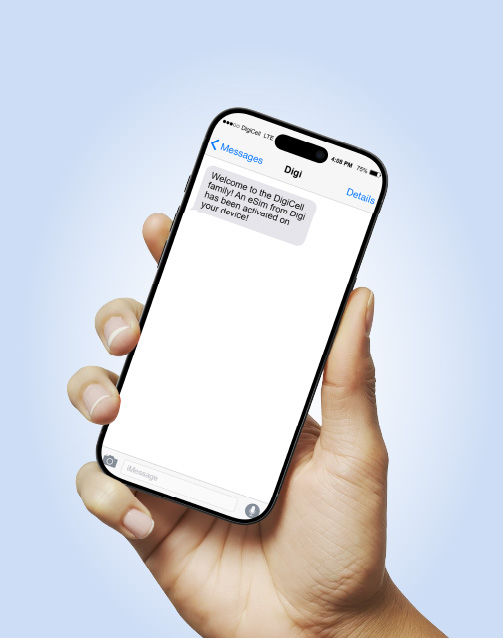
Meet the eSIM—the Easy Convenient Secure SIM
eSIM is the latest technology for mobile devices eliminating the need for physical SIM cards, but performing the same function!
Sign up for a Digi Postpaid plan and enjoy the freedom to switch between numbers anytime, effortlessly.

Instant access
Activate your eSIM in minutes
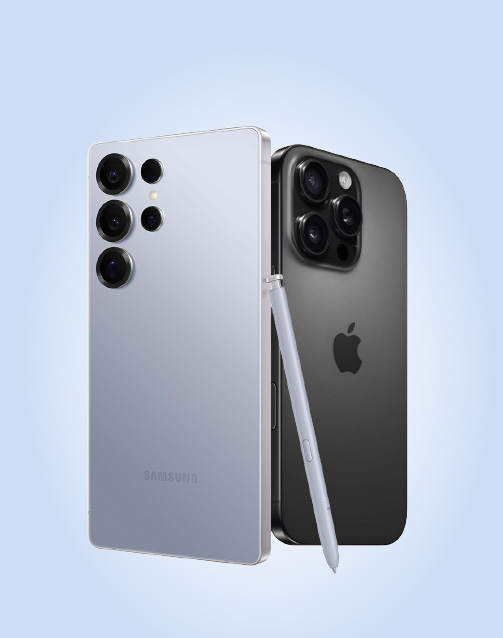
Built to perform
Works with the latest flagship devices
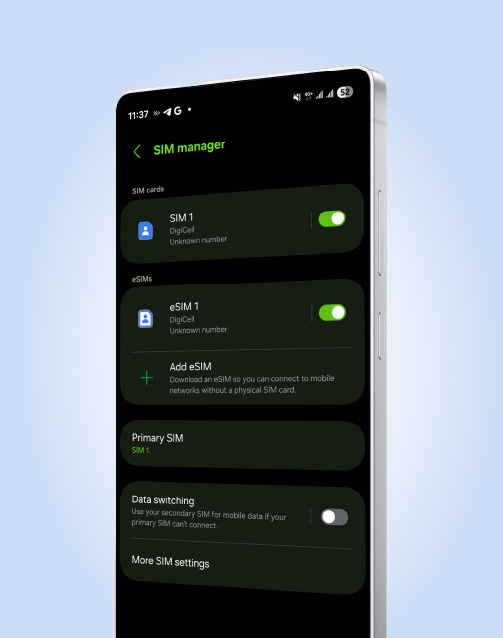
Convenience
Switch between numbers without manually removing/inserting a physical SIM
Security & Control
Lock, reset, or switch without needing physical access
How to activate your eSIM
Once you have signed up for a Digi PrePaid or PostPaid service, a QR Code will be provided.
Follow the steps on your device to activate your Mobile Service

Step1
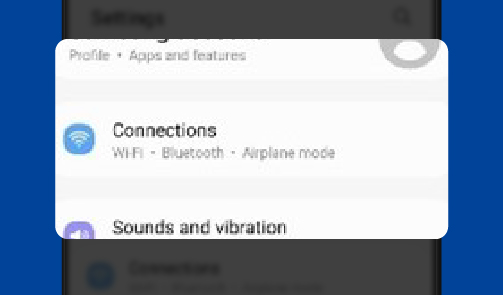
Enter settings and click Connections
Step2
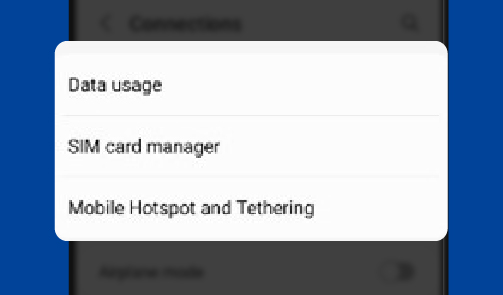
Click SIM Card Manager
Step3
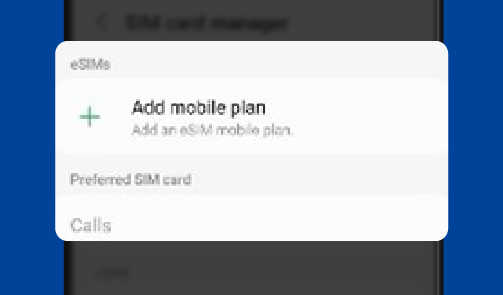
Click add Mobile Plan
Step4
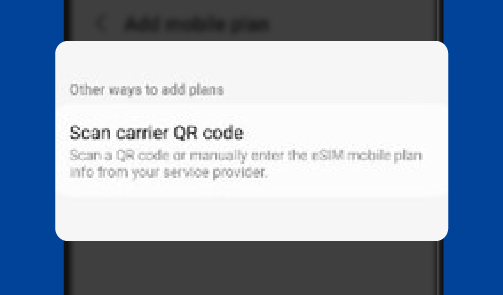
Click Scan QR code
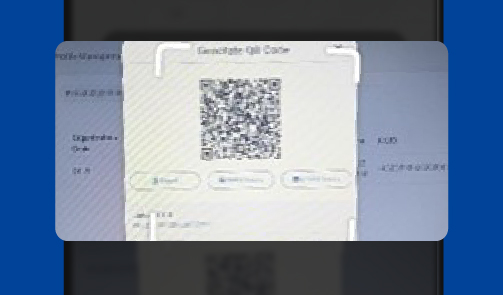
Step5
Scan the QR code
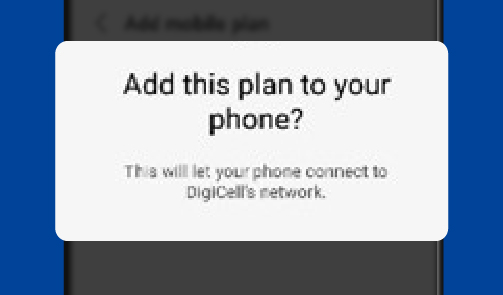
Step6
Continue to add plan to your phone
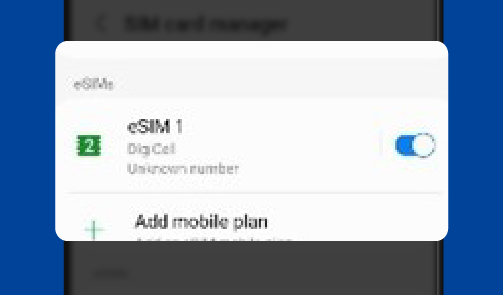
Step7
Click add Mobile Plan
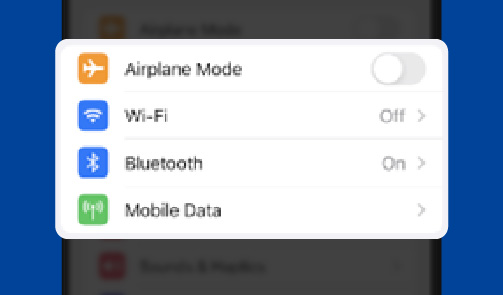
Step1
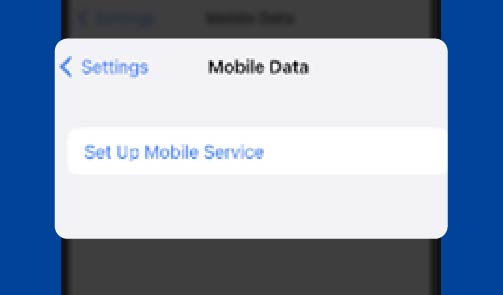
Go to Mobile Data in settings
Step2
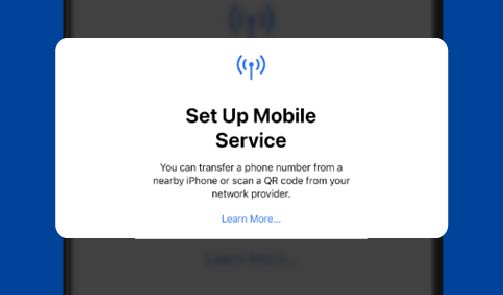
Tap ‘Set Up Mobile Service’
Step3
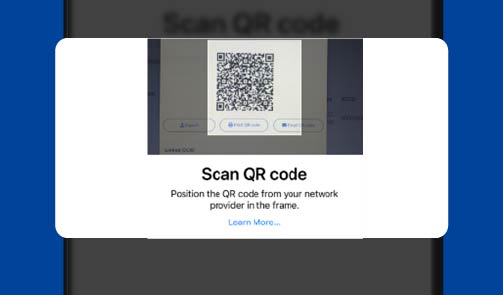
Tap ‘Use QR code’
Step4
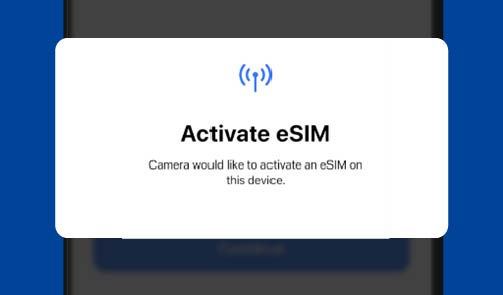
Scan the QR code
Step5
Tap Continue to activate eSIM
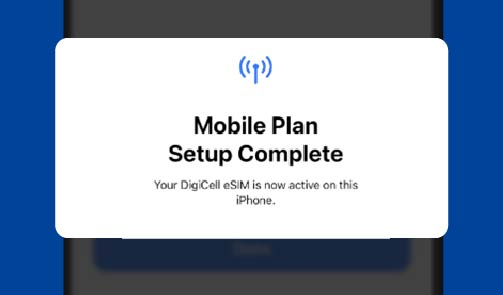
Step6
Tap Done to activate Mobile Plan
Activate your eSIM today!
Get a Digi SIM at any DigiStore countrywide
Or Enjoy a temporary Tourist SIM or eSIM with 25GB LTE Data + Local and International Minutes/Texts
– available at any Tourist SIM Agent
- VIP wireless
- Magic Fingers
- Cellular World, Northern Shops
- Cellular World, Albert St.
- Cellular World, Queen St.
- Belize Chamber of Commerce & Industries
- Resse (AirPort)
- G Wireless Northern high way
- Resilant Store(Bus Terminal)
- Pelican Internet Cafe
- Cellular World San Pedro
- ABN Golf Cart Rental
- Digital Internet and Gift shop
- South Techx
- Digimart
- Cellular World Orange Walk
- The Phone Shop
- Cellular World Belmopan
- Buca Services Company Ltd.
- Camalote Camp
- Digimart
Have questions?
We got answers!
An eSIM is an industry-standard digital SIM that allows you to activate a cellular plan from DigiCell without having to use a physical SIM
Most newer models already come with the ability to support eSIM on their devices.
A SIM card is a physical chip that you insert into your phone’s SIM tray. An eSIM is an embedded SIM card fitted into the phone’s motherboard. It works on the same networks as standard SIM cards, so the difference in functionality or use of service is minimal. The main differences lie within the initial setup and activation of your number and service as outlined above. There’s also now no requirement to physically swap SIMs when switching between numbers.
Currently, Digi eSIMs can work with the iPhone 13 Series, iPhone 14 Series and Samsung S22 Ultra. More devices are to come and will be announced accordingly.
Note: You are encouraged to research to confirm that your device is compatible with our Digi Network. This is important at the point of purchasing a device, whether for use with a physical SIM or an eSIM.
- Visit a Digi Store to Activate a Digi PrePaid or PostPaid service or to transfer your existing Digi Service over from a regular SIM to an eSIM. A QR Code will be provided.
- Scan the QR Code provided by Digi Using your Camera App
- Follow the steps on your device to Activate your Mobile Service
- Complete! Your Digi eSIM is now activated & ready for use
- Delete your eSIM from the first device (must have a stable internet connection)
- Rescan the QR code provided at initial request using your Camera App on the second device
- Follow the steps on your device to Activate your Mobile Service
- Complete! Your Digi eSIM is now activated & ready for use
The number of eSIMs that can be downloaded is dependent on your device. Check your device settings and community to learn more about eSIM compatibility for your specific device.
All Digi Services apply once requested. Digi ensures continued connectivity whether in Belize or while Roaming. Visit our Roaming webpages for more information on how to activate Roaming or purchase a Data Roaming Plan.
Check your device settings and community to learn more about eSIM compatibility for your specific device.
View our user guide for supporting information or troubleshooting tips: Click Here
For support, call 119 or WhatsApp us at +501-608-8888.