Dark Spells - VFX Pixel Art Asset Pack
Animated Pixel Art Character Packs available at Pixel Motion.
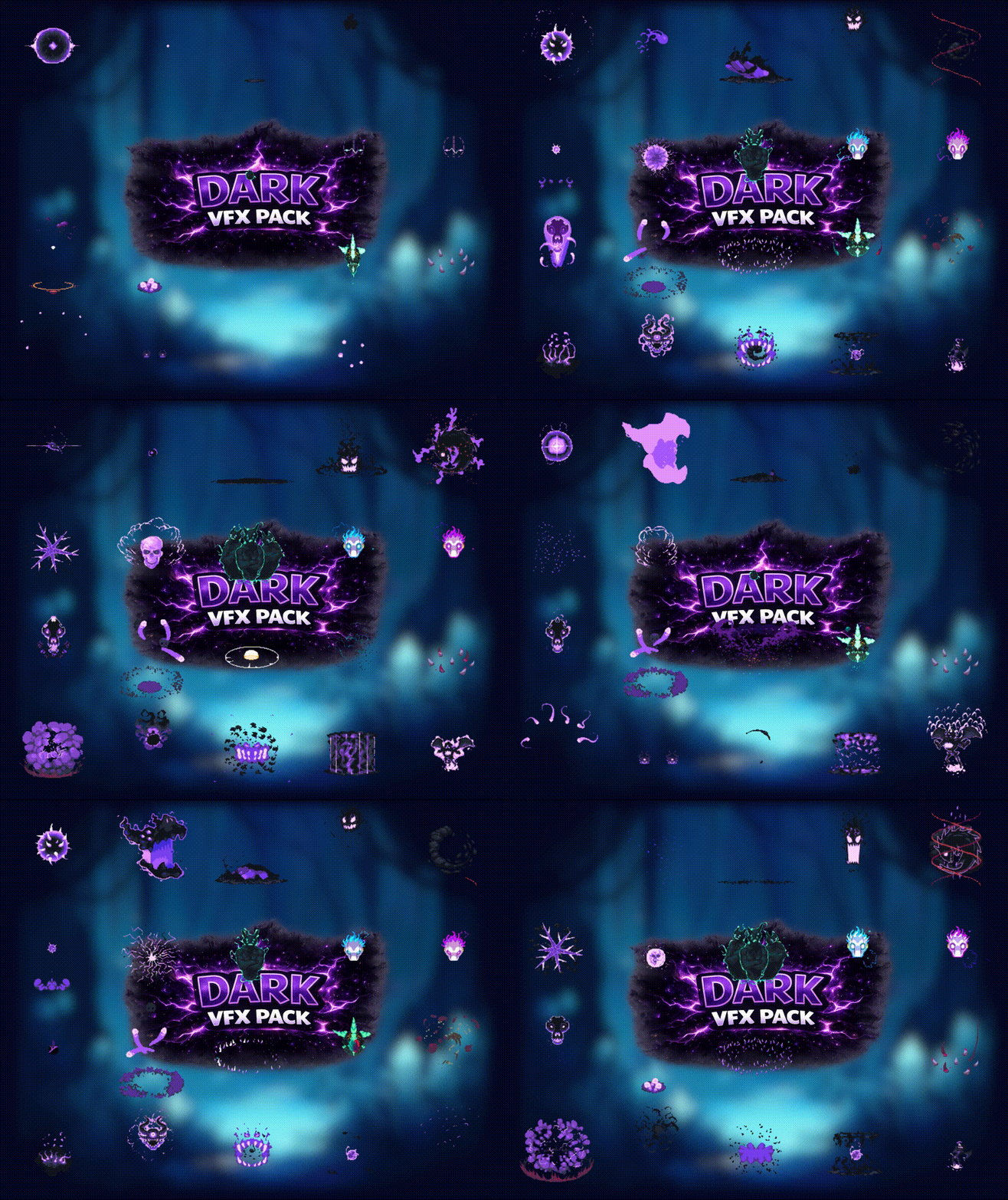
Dark - Visual Effects Pack
Bring your pixel adventures to life with this Dark visual effects pack
20 animated magical dark/curse/psychic effects
File Types & Formats
- PNG spritesheets
- PLIST frame information
- GIF previews
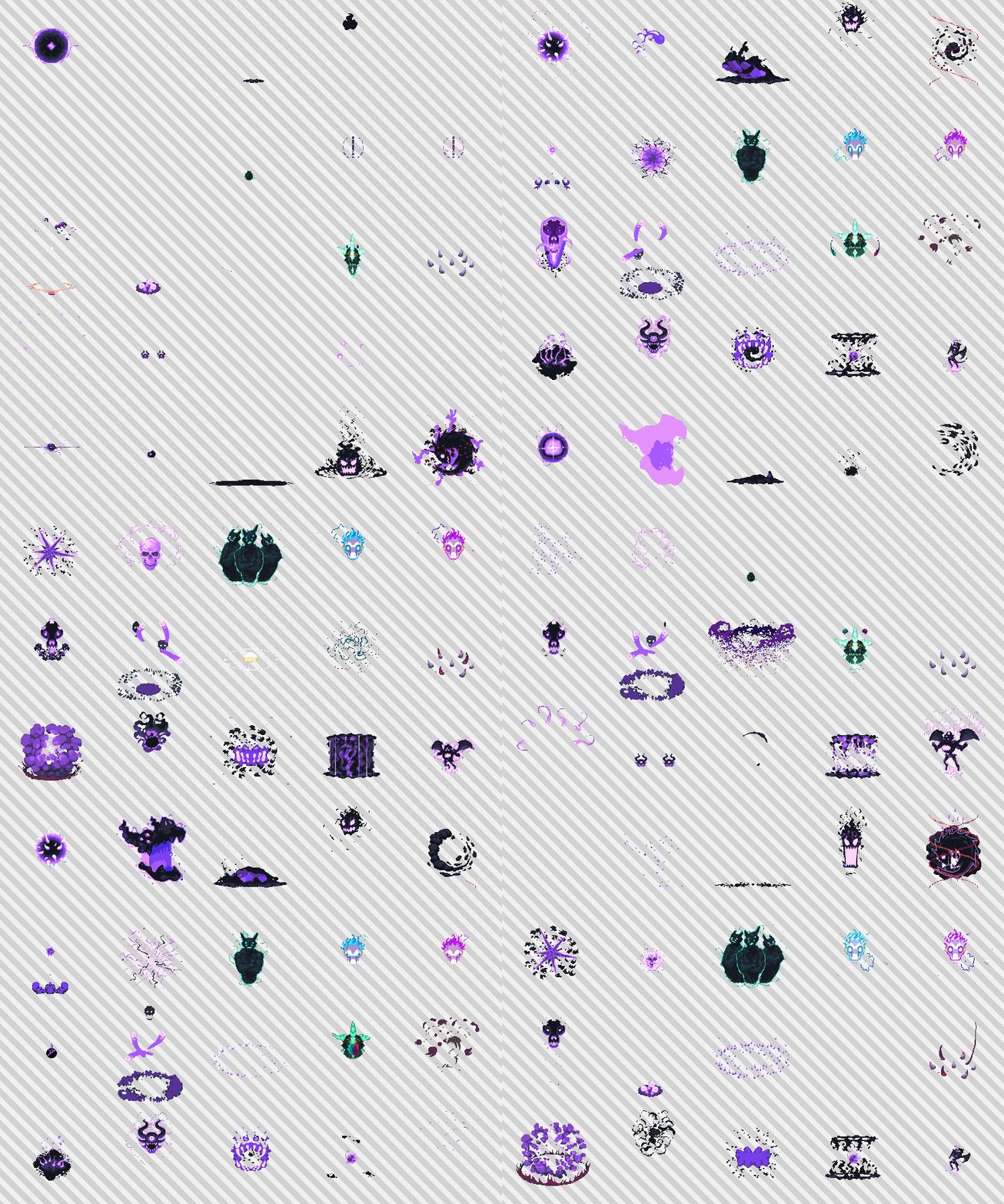
📦 Packed Spritesheet Guide
The spritesheets are packed to save space, so the frames are not arranged in a grid. Instead, they are placed wherever they fit best.
To know where each frame is, use the included .plist file.
🧩 Frame Order
Each frame is named like this:
animation_000.png, animation_001.png, animation_002.png...
The number at the end (_000, _001, etc.) tells you the animation order.
📍 Frame Position
Inside the .plist, each frame has a value like:
{{101,404},{100,100}}
This means:
- 101, 404 → position inside the spritesheet
- 100 × 100 → size of the frame
So you would crop a 100×100 image starting at (101, 404).
⚙️ How to Use
- Open the
.plistfile - Read each frame's position and size
- Crop it from the spritesheet
- Sort frames by their number (
_000 → _001 → _002)
🛠️ Tips
- Many engines (Unity, Godot, etc.) can import
.plistfiles directly - You can export frames as separate images or rebuild a spritesheet strip
In short: The image holds all frames, and the .plist tells you where they are and in what order to play them.
Purchase
In order to download this asset pack you must purchase it at or above the minimum price of $9 USD. You will get access to the following files: