FREE Cartoony Roblox UI Pack
A downloadable asset pack
Cartoony Roblox UI Pack
FREE, fully scripted simulator-style UI pack made in Roblox Studio using ONLY Frames.
Clean, fun, and game-ready — drop it into your project and start building.
Created by Zxgly
- 🔥 Cartoony simulator-style design (perfect for modern Roblox games)
- ⚡ Fully scripted — no setup pain
- 🧠 Smart UI Manager — keeps only ONE menu open at a time
- 🎬 Smooth tween animations for open/close
- 🔊 Hover + open/close sound effects included
- 🧩 Beginner-friendly + plug-and-play
- 📦
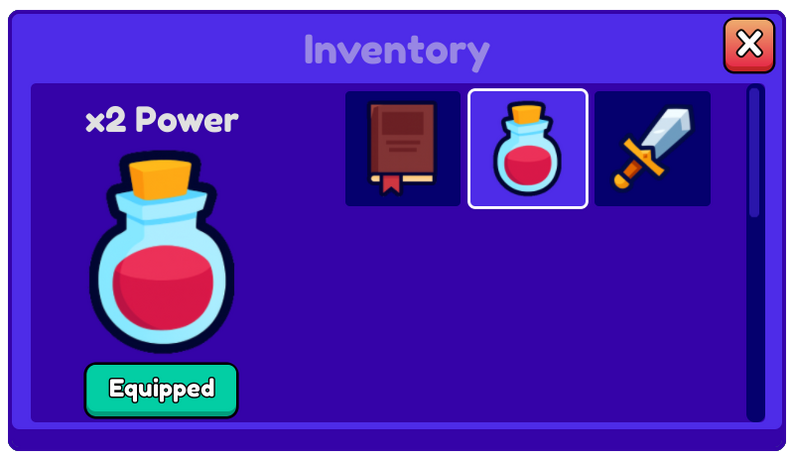
Inventory - 🛒
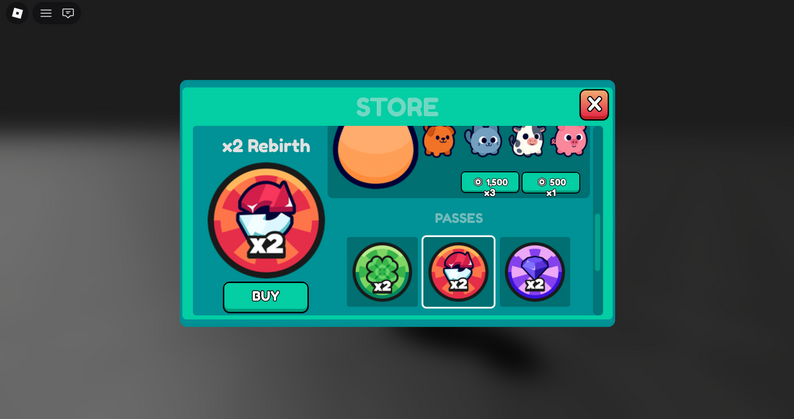
Store - ⚙️
Settings - 🎁
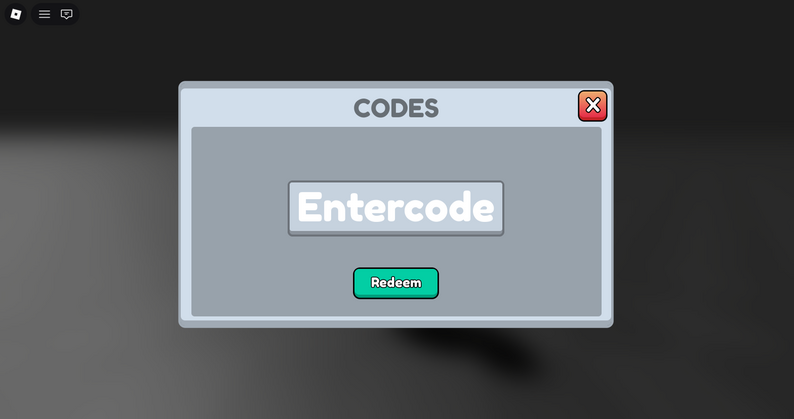
Codes - 📜
Quests - 🎉
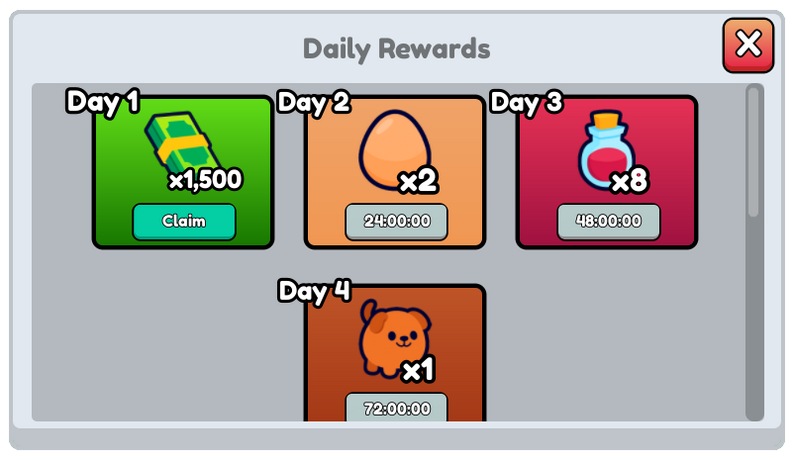
Daily Rewards - 📊
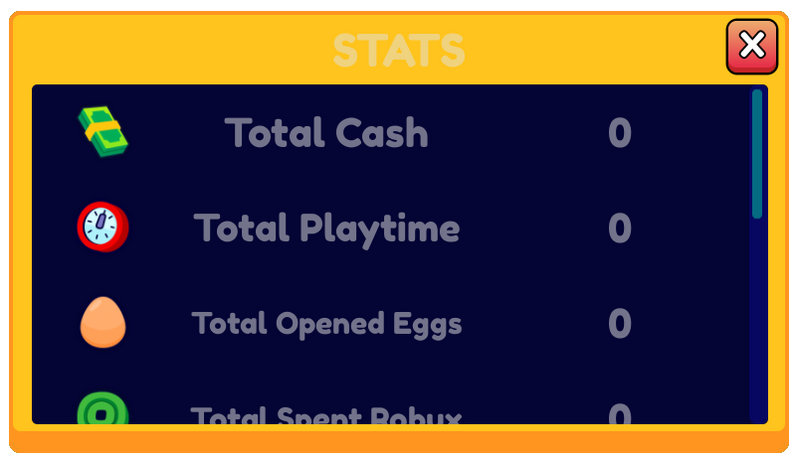
Stats
- ✅ Built with ONLY Frames (no images)
- ✅ Clean, readable Lua scripts
- ✅ Easy to customize + extend
- ✅ Great for simulators, tycoons, and menu-heavy games
Next update: ??? 👀
Download the FREE Vector Icon Pack here:
✅ License (Click To Expand)
You can:
- ✅ Use the UI Pack in commercial projects
- ✅ Use it for client work
- ✅ Use it in personal / non-commercial projects
You can’t:
- ❌ Claim the UI Pack as your own
- ❌ Edit & resell (including recolors)
- ❌ Re-upload or redistribute as an asset pack
If this pack helped your game, consider leaving a rating or sharing it with other Roblox devs.
It means a lot 🙏
Download
Install instructions
1. Click the Download button to get the pack.
2. Extract the files from the downloaded archive.
3. Drag and drop the .rbxm file into Roblox Studio.
4. Start using the icons and UI immediately in your game!
Development log
- Update 580 days ago
- Update 493 days ago
- Update V3 And V3.194 days ago
- Update 296 days ago
Comments
Log in with itch.io to leave a comment.
Thanks!
The IDs of ImageLabels such as InventoryFrame are no longer available; they are shown as private and therefore cannot be viewed in the GUI.
it will be fixed in the new update
cool guis, i'll make sure to credit you when i'll use them :D