PlayStation 30th Anniversary - Dark
1080 x 1920
{NUM}
{OVERLINE}
{TITLE}
{PARAGRAPH}
{FEATURE_ICON}
{FEATURE_TITLE}
{FEATURE_DESC}
Personalise your devices - including your PS4 - with stunning art from iconic PlayStation titles


CoD: Modern Warfare II – Season 04 Vondel graffiti art
1080 x 1920

CoD: Modern Warfare II – Season 04 Vondel graffiti art
2058 x 1440

CoD: Modern Warfare II – Season 04 Vondel graffiti art
960 x 540

CoD: Modern Warfare II – Season 04 Vondel graffiti art
1920 x 1080

CoD: Modern Warfare II – Season 04 Vondel graffiti art
2560 x 1440

CoD: Modern Warfare II – Season 04 Vondel graffiti art
1080x 1920

CoD: Modern Warfare II – Season 04 Vondel graffiti art
2058 x 1440

CoD: Modern Warfare II – Season 04 Vondel graffiti art
960 x 540

CoD: Modern Warfare II – Season 04 Vondel graffiti art
1920 x 1080

CoD: Modern Warfare II – Season 04 Vondel graffiti art
2560 x 1440

CoD: Modern Warfare II – Season 04 Vondel graffiti art
1080x 1920

CoD: Modern Warfare II – Season 04 Vondel graffiti art
2058 x 1440

CoD: Modern Warfare II – Season 04 Vondel graffiti art
960 x 540

CoD: Modern Warfare II – Season 04 Vondel graffiti art
1920 x 1080

CoD: Modern Warfare II – Season 04 Vondel graffiti art
2560 x 1440

Stray
Desktop: 3840 x 2160

Stray
1920 x 1080 (16:9)

Stray
1920 x 1200 (16:10)

Stray
1080 x 1920 (9:16)

Stray
2400 x 1350

Stray
2400 x 1350

The Last of Us Part II - Key art
iPhone X

The Last of Us Part II - Key art
Google Pixel

The Last of Us Part II - Key art
iPhone 8

The Last of Us Part II - Key art
iPhone 8 Plus
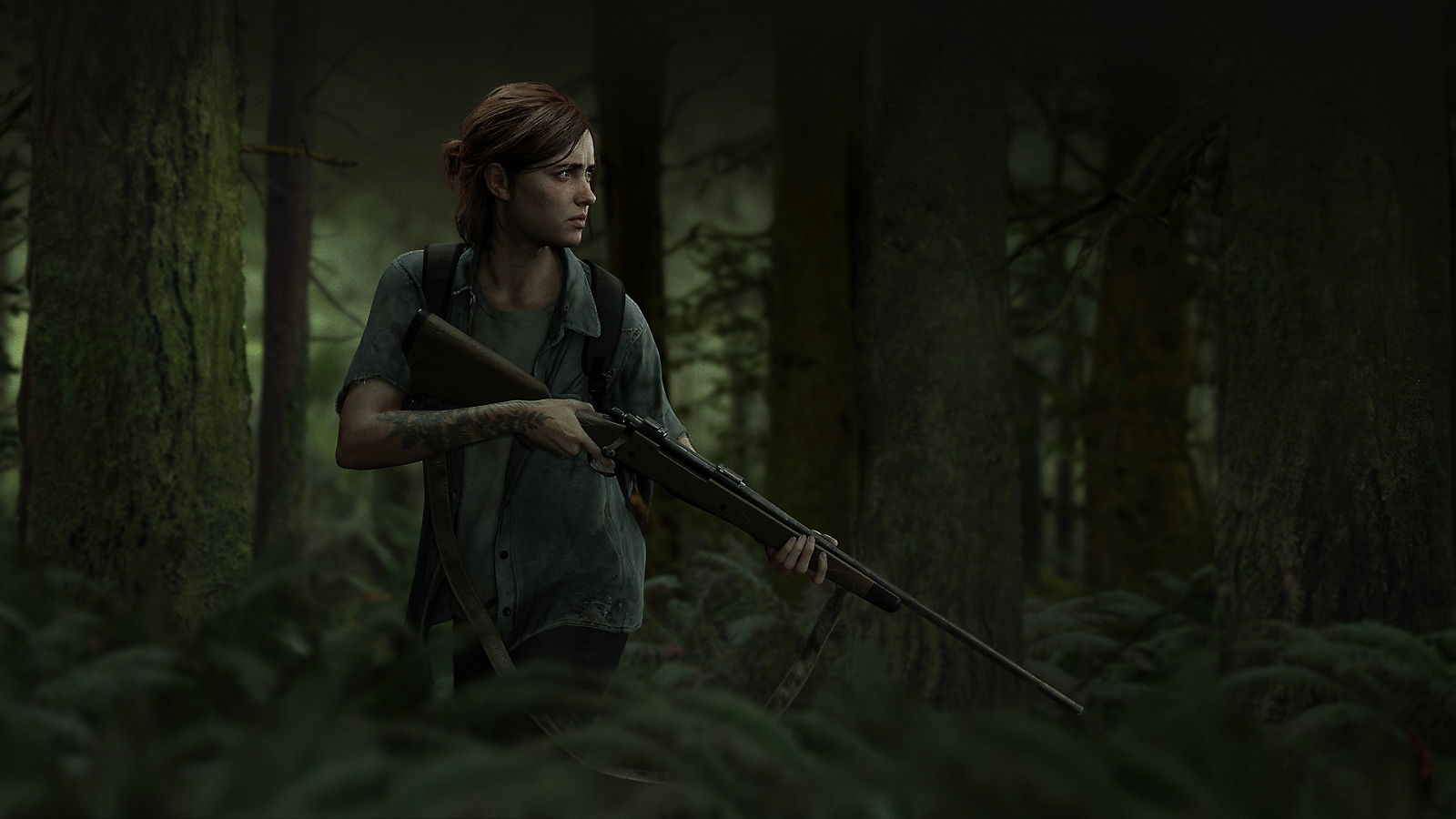
The Last of Us Part II - Outbreak Day 2018
Desktop: 3840 x 2160

The Last of Us Part II - Outbreak Day 2018
iPad Pro

The Last of Us Part II - Outbreak Day 2018
iPad Mini

The Last of Us Part II - Key art
Desktop: 3840 x 2160

The Last of Us Part II - Key art
Samsung Galaxy S9

The Last of Us Part II - Key art
iPad Pro

The Last of Us Part II - Key art
iPad Mini
The Last of Us Part II - Key art
iPad Air
The Last of Us Part II - Outbreak Day 2018
iPad Air

The Last of Us Part II - Outbreak Day 2018
Google Pixel

The Last of Us Part II - Outbreak Day 2018
iPhone X

The Last of Us Part II - Outbreak Day 2018
Samsung Galaxy S9

The Last of Us Part II - Outbreak Day 2018
iPhone 8 Plus

The Last of Us Part II - Outbreak Day 2018
iPhone 8

The Last of Us Part II - Logo
Desktop: 3840 x 2160

The Last of Us Part II - Logo
iPad Pro

The Last of Us Part II - Logo
Samsung Galaxy S9

The Last of Us Part II - Logo
iPad Mini

The Last of Us Part II - Logo
iPad Air

The Last of Us Part II - Logo
Google Pixel

The Last of Us Part II - Logo
iPhone X

The Last of Us Part II - Logo
iPhone 8 Plus

The Last of Us Part II - Logo
iPhone 8

Nioh 2 - Collage
iPhone X

Nioh 2 - Collage
iPhone 8

Nioh 2 - The Tengu's Disciple
iPhone X

Nioh 2 - The Tengu's Disciple
iPhone 8

Nioh 2 - Collage
Android OS

Nioh 2 - The Tengu's Disciple
Android OS


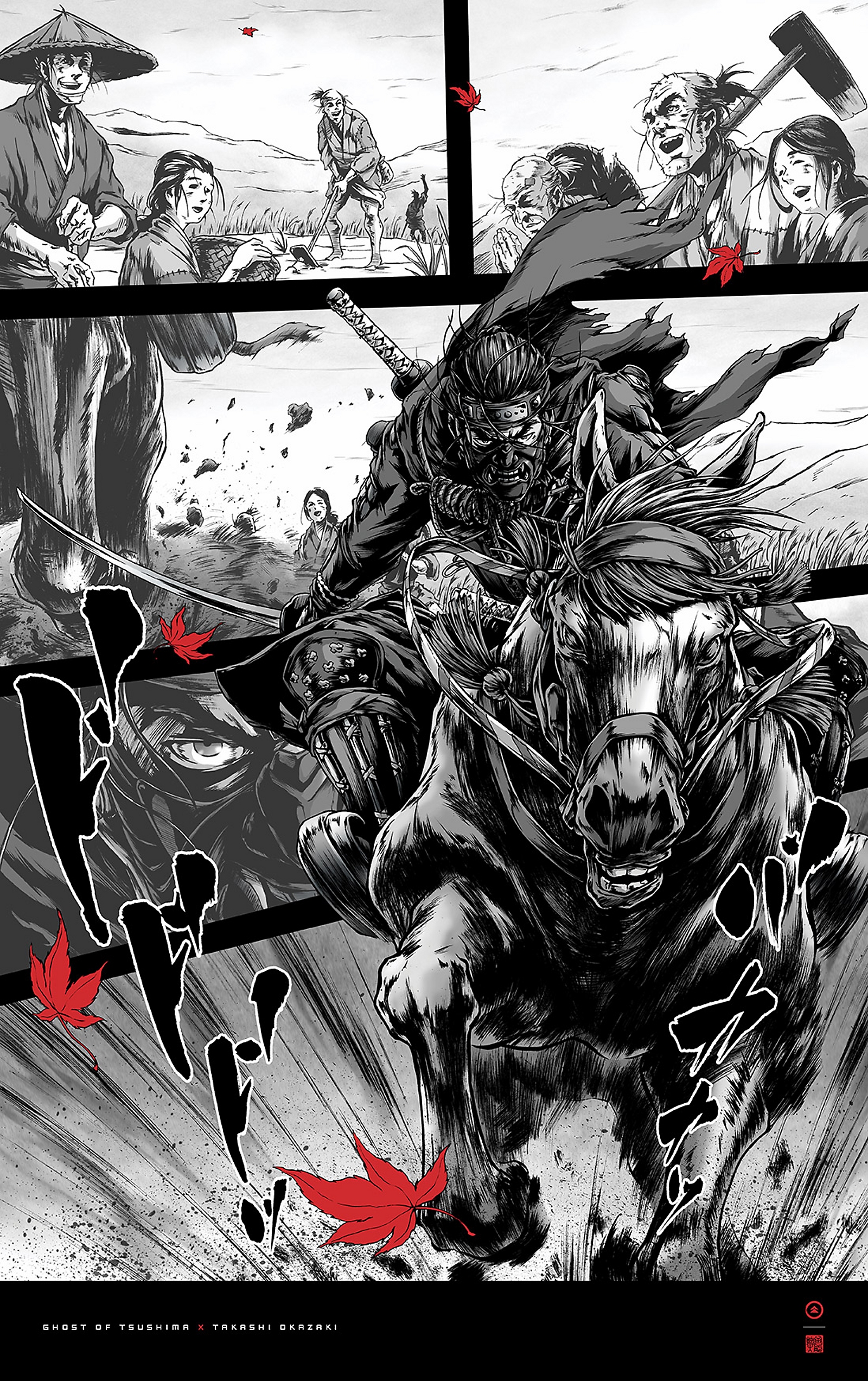


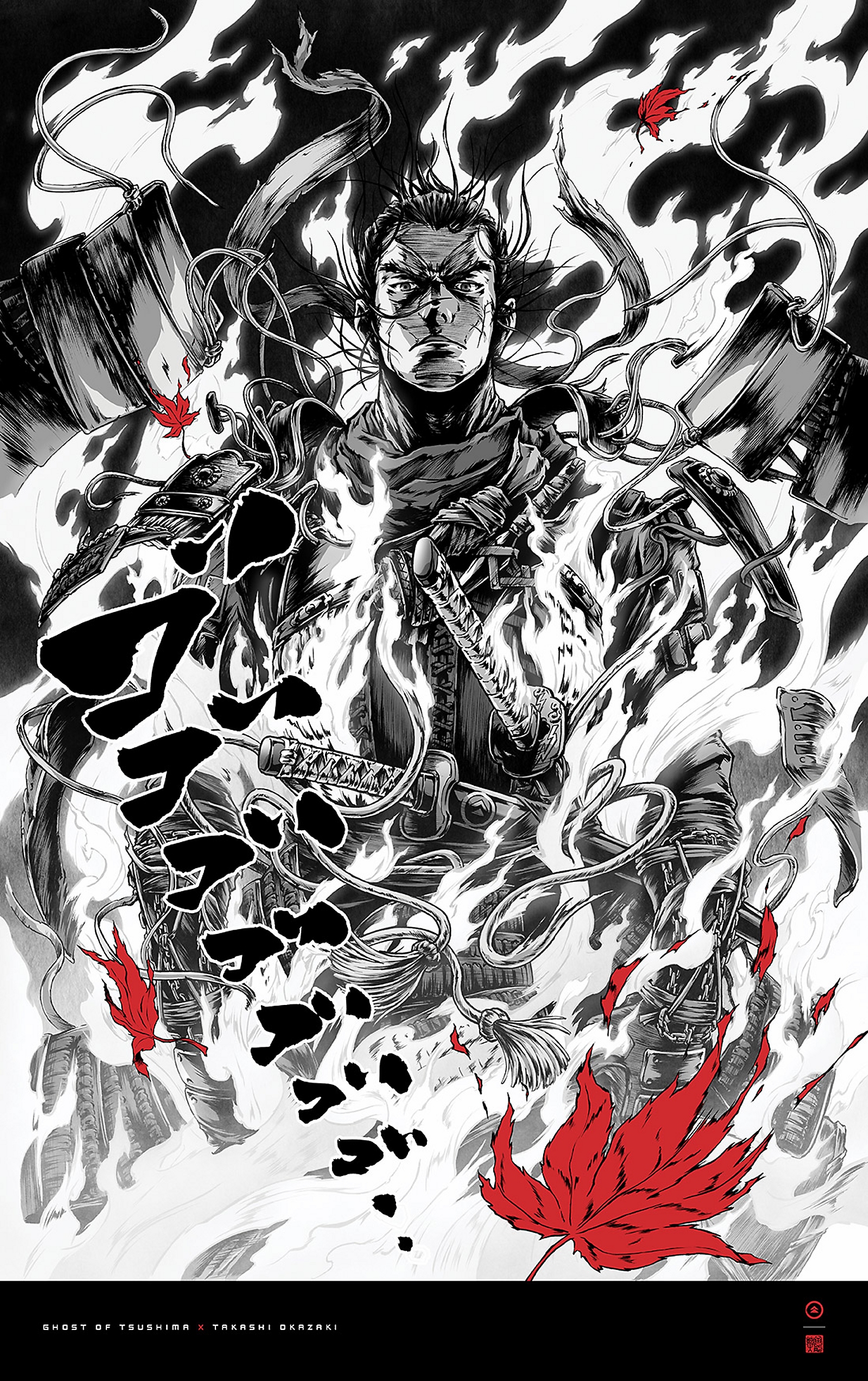
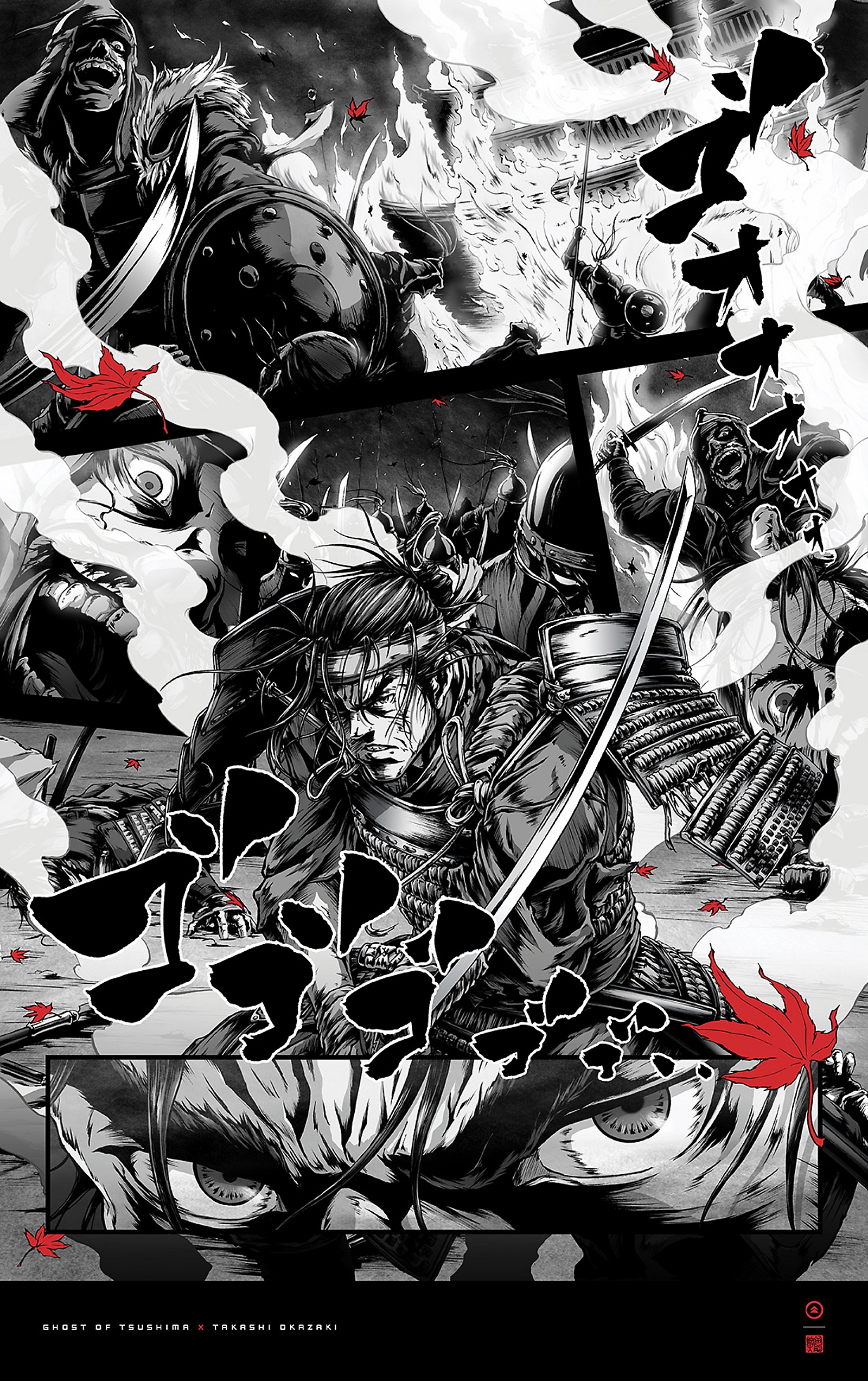


Find your favourite image
You can use any photo or downloaded image as wallpaper. For best results, it should be 1920x1080 resolution for PS4, and 3860x2160 for PS4 Pro.

Copy it to a USB stick
Create a folder called IMAGES within the main directory of your USB stick and add as many images as you like. When you’re done, insert the USB stick into your PS4.

Create your wallpaper
Go to the ‘Themes’ tab under the PS4 settings menu, choose ‘Select theme’, ‘Custom’ and your USB storage device, then ‘Select image’. If you’re happy with your wallpaper, select ‘Apply’, and you’re done!
Enter your date of birth.
