 USA + International
 OWC Canda
 OWC Europe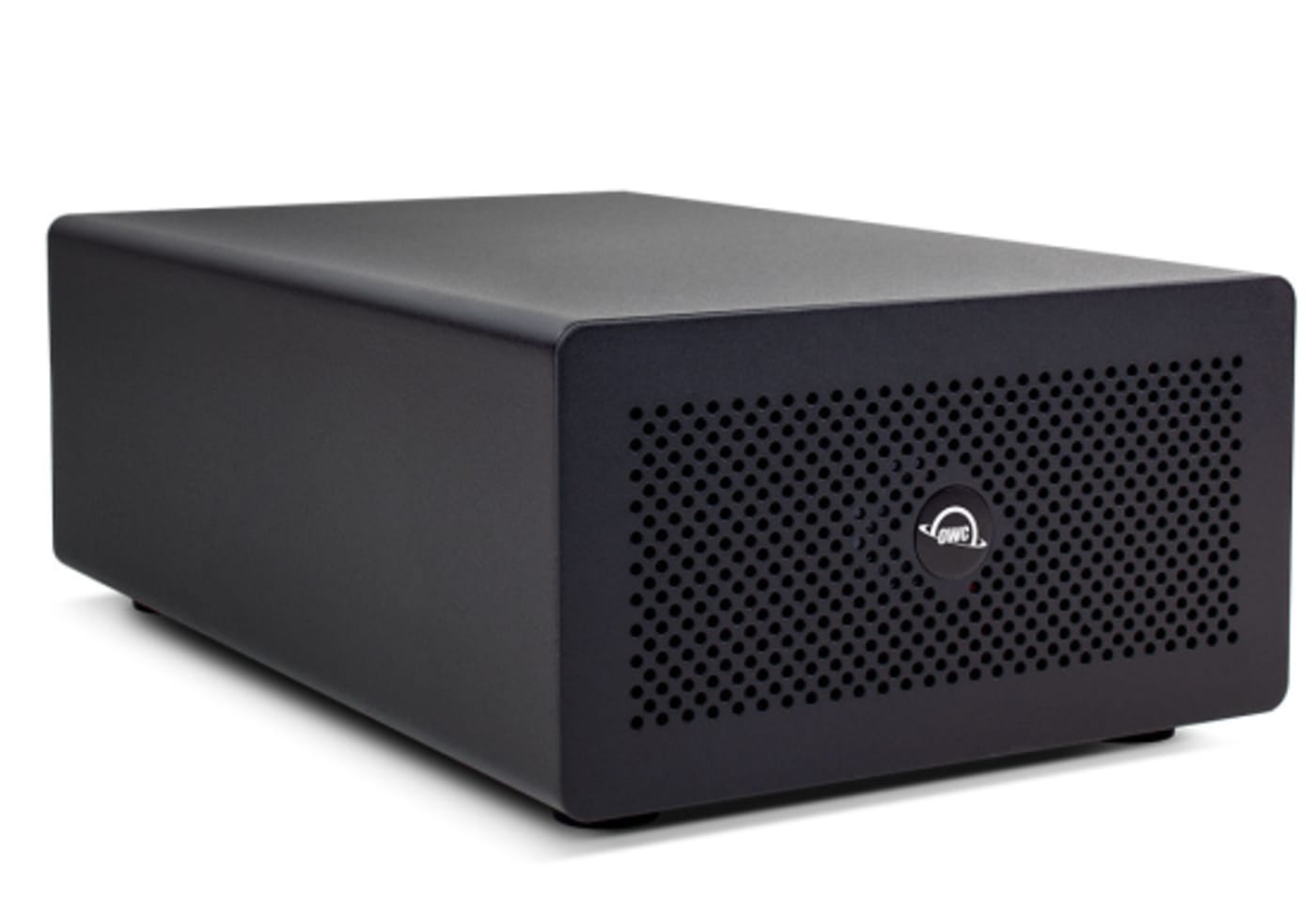
 Find A Reseller
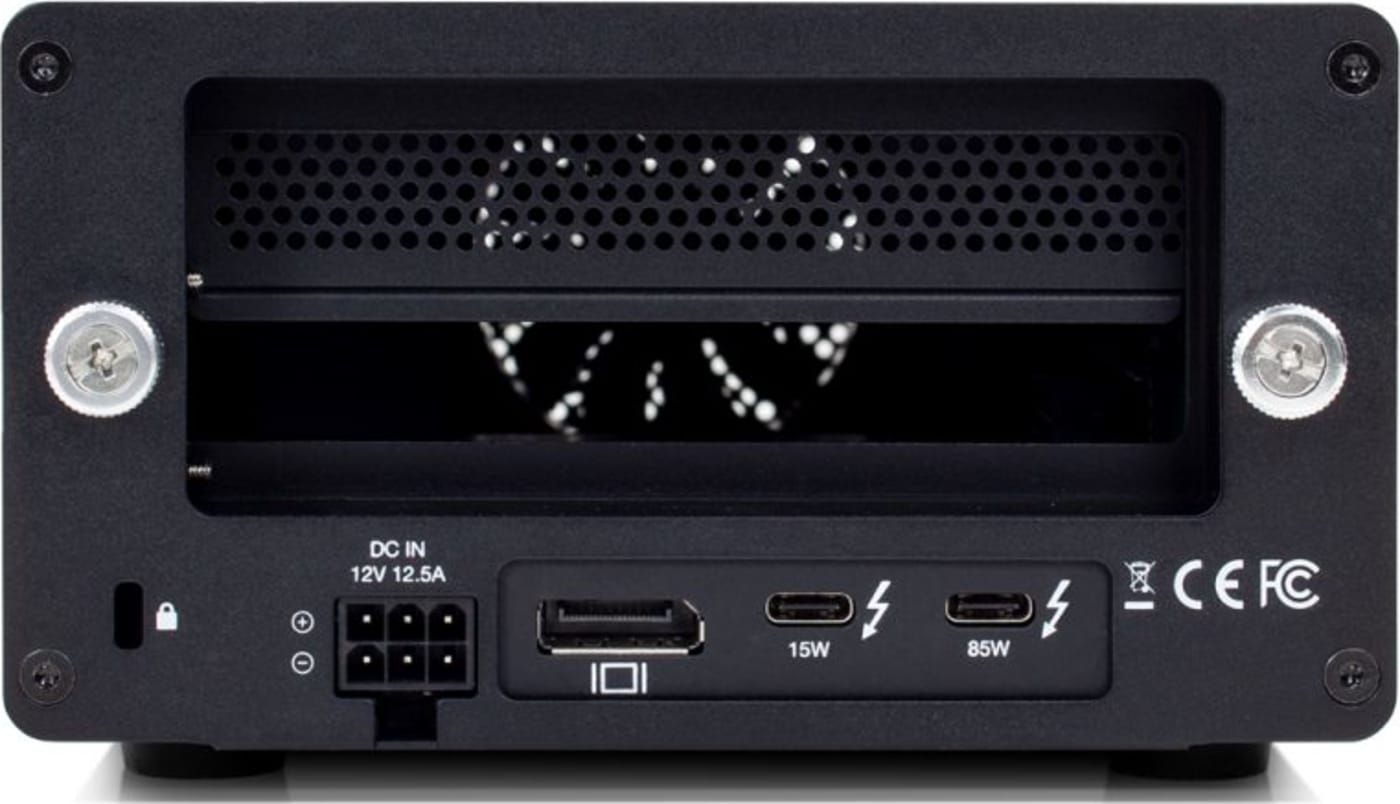
- Lightning-fast 40Gb/s transfer speeds: (2) Thunderbolt 3 ports
- See more: dedicated DisplayPort 1.4 connection for adding up to an 8K display
- Charge while working: 85W notebook charging
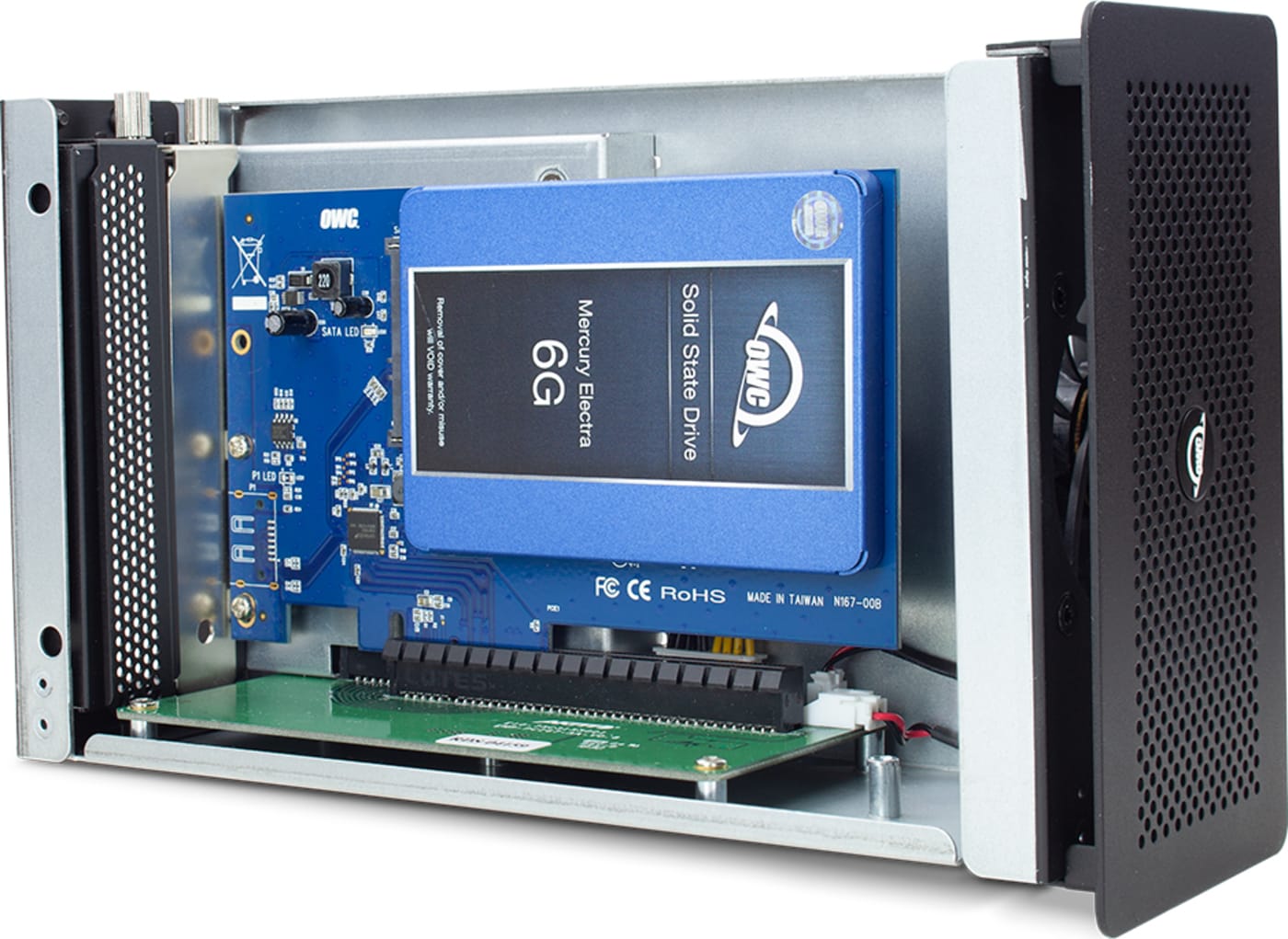
- Play your card: PCIe (x16) slot for half-length, full-height, single or double-width cards
- Maximum potential: daisy-chain up to 5 additional Thunderbolt devices
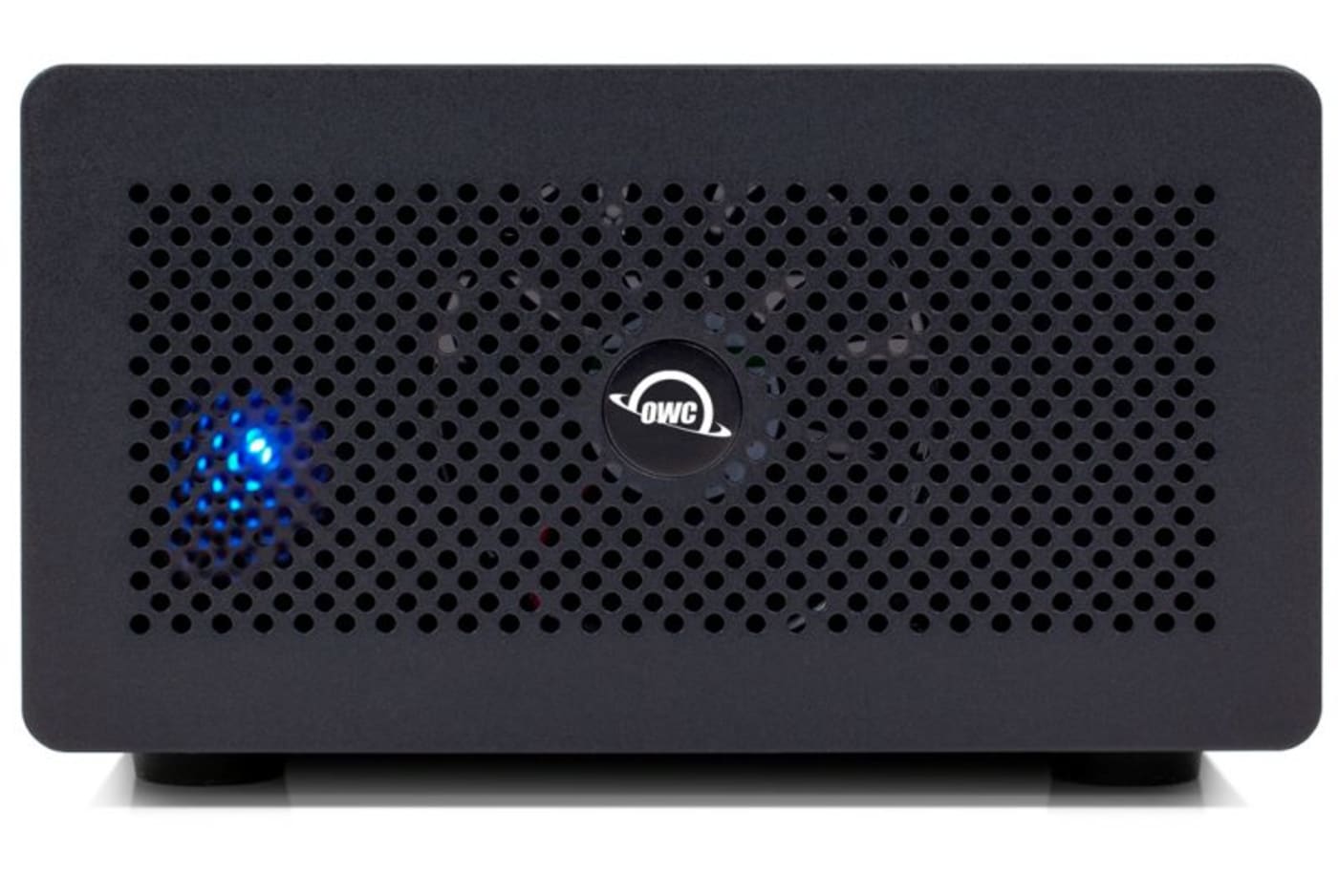
- Built to last: durable and rugged aluminum
- Whisper quiet operation: 28.5dB fan for distraction-free use
- Easy card installs: no tools required
- Secure workflow: locking 12V power connector
- Plug and play: no drivers needed and includes Thunderbolt 3 cable
- Thunderbolt certified for Mac and Windows
- Cooperative: use with Thunderbolt 2/Thunderbolt-equipped Mac1 and Windows PC computers
Using a video, audio, storage, network, or even gaming PCIe card with a Mac Pro or PC desktop is a simple matter of inserting your card into an open slot. But what do you do if you have a laptop or even a space-confined desktop like an iMac or Mac mini that doesn’t contain a PCIe slot?
The Mercury Helios 3S is an easy to use yet powerful expansion solution that adds an external PCIe slot to your Thunderbolt 3 equipped computer. Now you can maximize your existing PCIe card investment — or expand it! — while enjoying the flexibility of adding professional-class video production, transcoding, audio processing, data storage, and high-speed network connectivity to your machine.
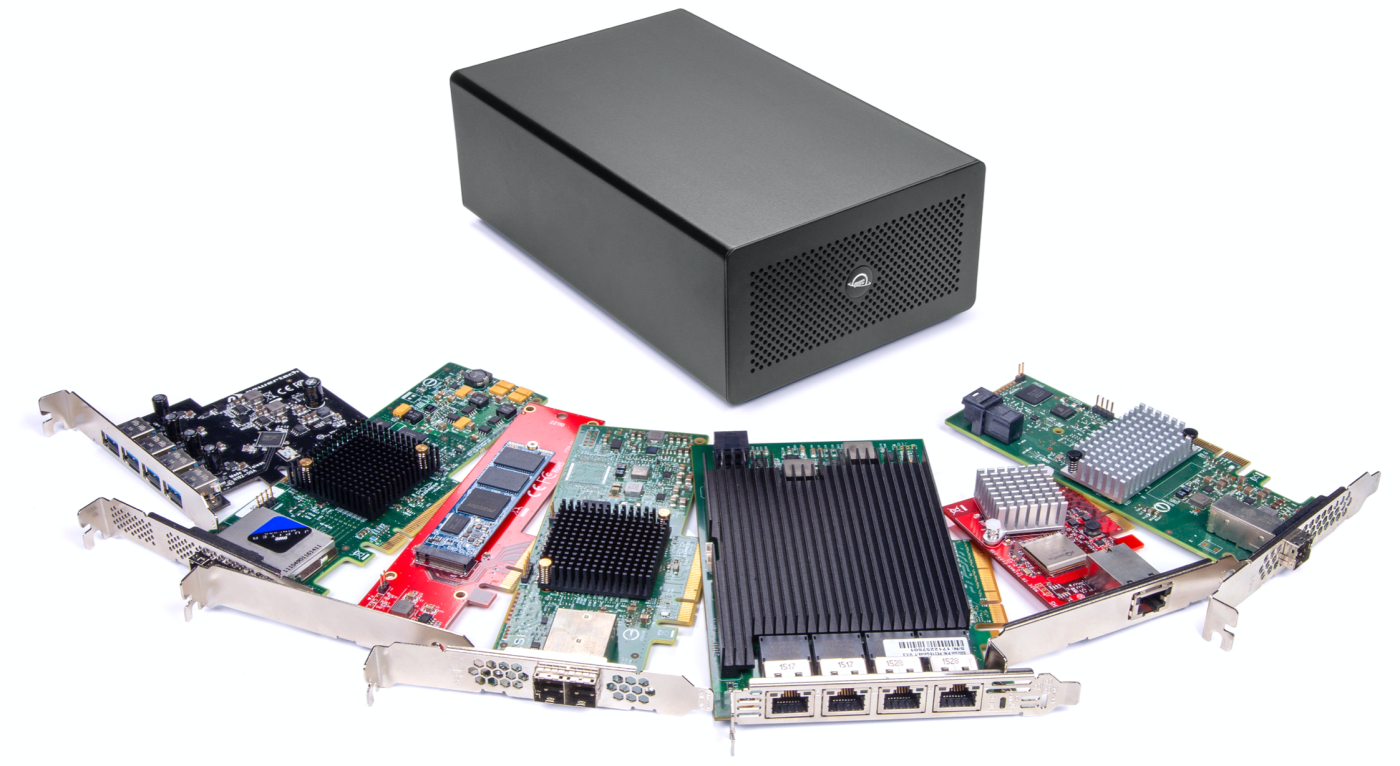
Instead of buying one or more function-dedicated Thunderbolt interface devices, you can use Mercury Helios 3S like a dock for multiple PCIe cards. Capture incredibly high-quality audio with a PCIe audio card and then retask Helios 3S with a PCIe SSD card to edit and archive tracks. You can swap cards in minutes, adding a new level of flexibility to your workflow.
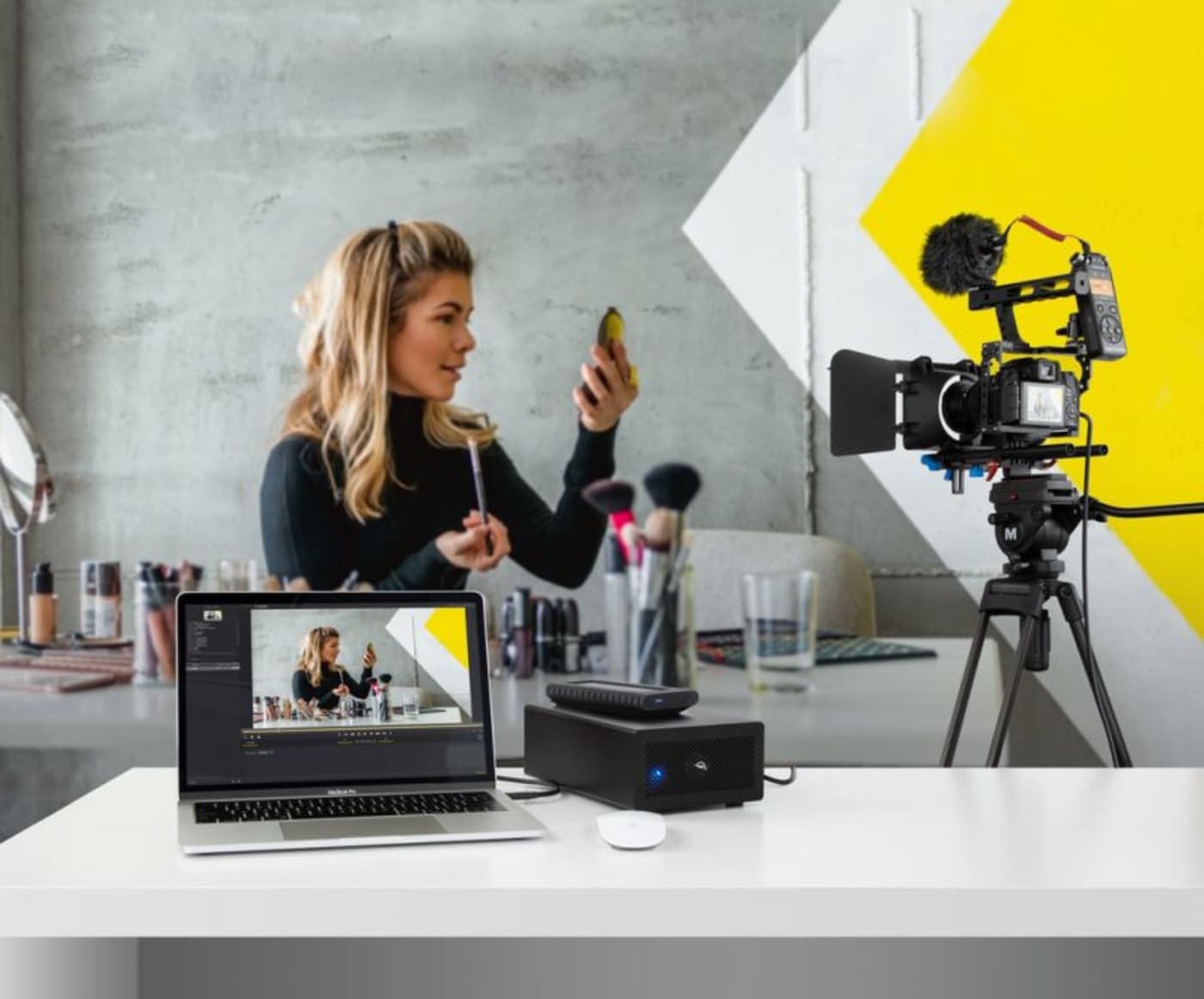
With dual 40Gb/s Thunderbolt 3 ports, the Mercury Helios 3S offers the bandwidth needed to support data-intensive 4K capture cards to speed up diverse video workflows such as vlogging. Boost your DAW with external DSP acceleration and run larger mixes with multiple plug-ins. Live stream the action in your gaming sessions or share files over a 10GbE or Fibre Channel network without any speed throttling.
Mercury Helios 3S supports a wide variety of half-length, full-height, single or double-width, pro-level PCIe cards from leading brands like AJA, Apogee, ATTO, Avid Pro Tools, Blackmagic Design, CalDigit, HighPoint, Intel, Solid State Logic, Universal Audio, and OWC.
- Video capture
- Digital audio
- Solid State Drive (SSD)
- 40GbE/10GbE network adapters
- SAS controllers
- Firewire, USB, or eSATA host adapters

Thunderbolt 3 offers more than just speed. Mercury Helios 3S leverages the full power of Thunderbolt 3 to deliver added potential to your Mac or Windows PC. Daisy-chain up to five additional Thunderbolt peripherals for incredible capabilities to work or play. Charge your notebook with 85W while you work. Even add a 4K display via the DisplayPort interface to expand your viewing space.
- Disconnect Mercury Helios 3S Thunderbolt cable from computer.
- Disconnect power cord from Mercury Helios 3S.
- Remove two thumb screws and swap card.
- Reconnect power cord to Mercury Helios 3S.
- Reconnect Mercury Helios 3S Thunderbolt cable to computer.
Note: If your PCIe card requires a driver, always follow the manufacturer’s instructions for installation.

We make it easy to choose the right gear. Our Thunderbolt Certified products offer the same performance and functionality whether they are Thunderbolt 3 or Thunderbolt 4. And if you’re rocking a beloved Thunderbolt 2 machine, we offer an adapter so you can plug into our universe of award-winning solutions. No hassles, no confusion. That’s the OWC Difference.
Apple Mac models with Thunderbolt 2/Thunderbolt ports can be connected using an Apple Thunderbolt 3 (USB-C) to Thunderbolt 2 Adapter and a Thunderbolt 2 cable (not included). This configuration provides data transfer at up to 20Gb/s but does not support notebook charging.
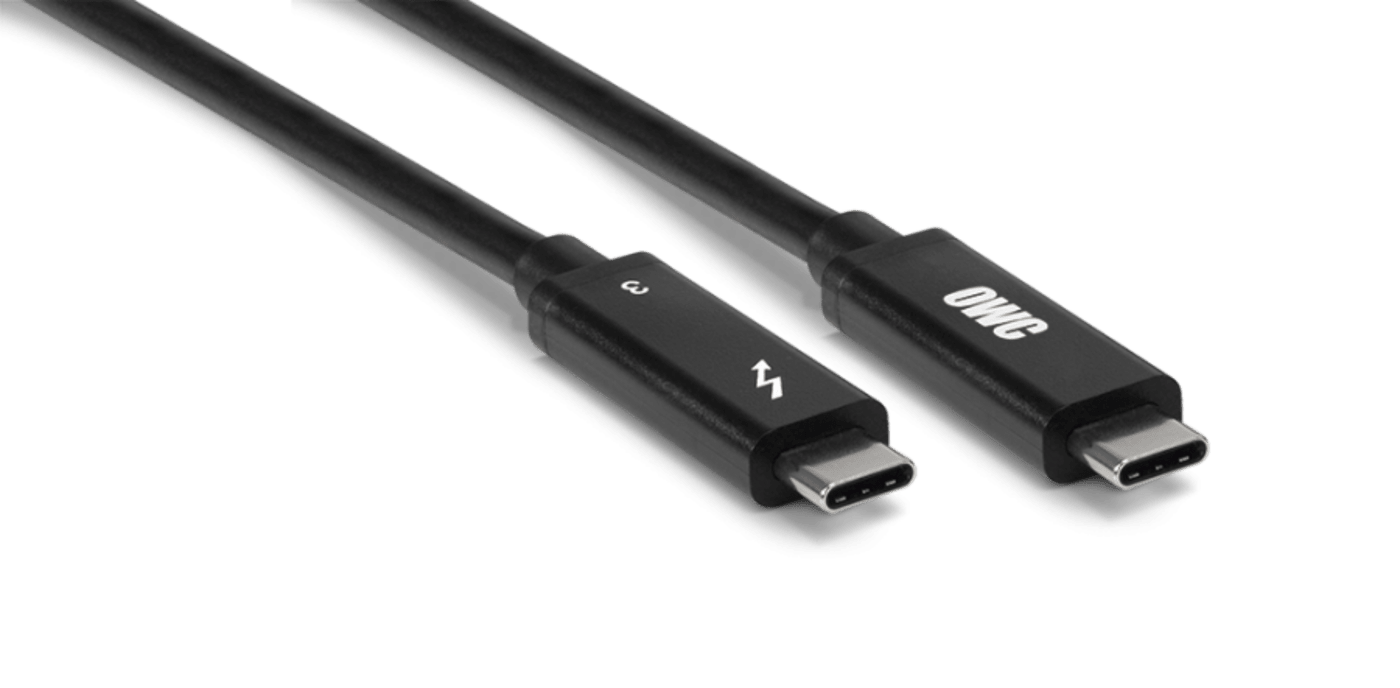
OWC Mercury Helios 3S comes with a certified OWC Thunderbolt Cable. But if your workflow demands a different length to make the connection, OWC Thunderbolt (USB-C) Cables are the perfect choice.
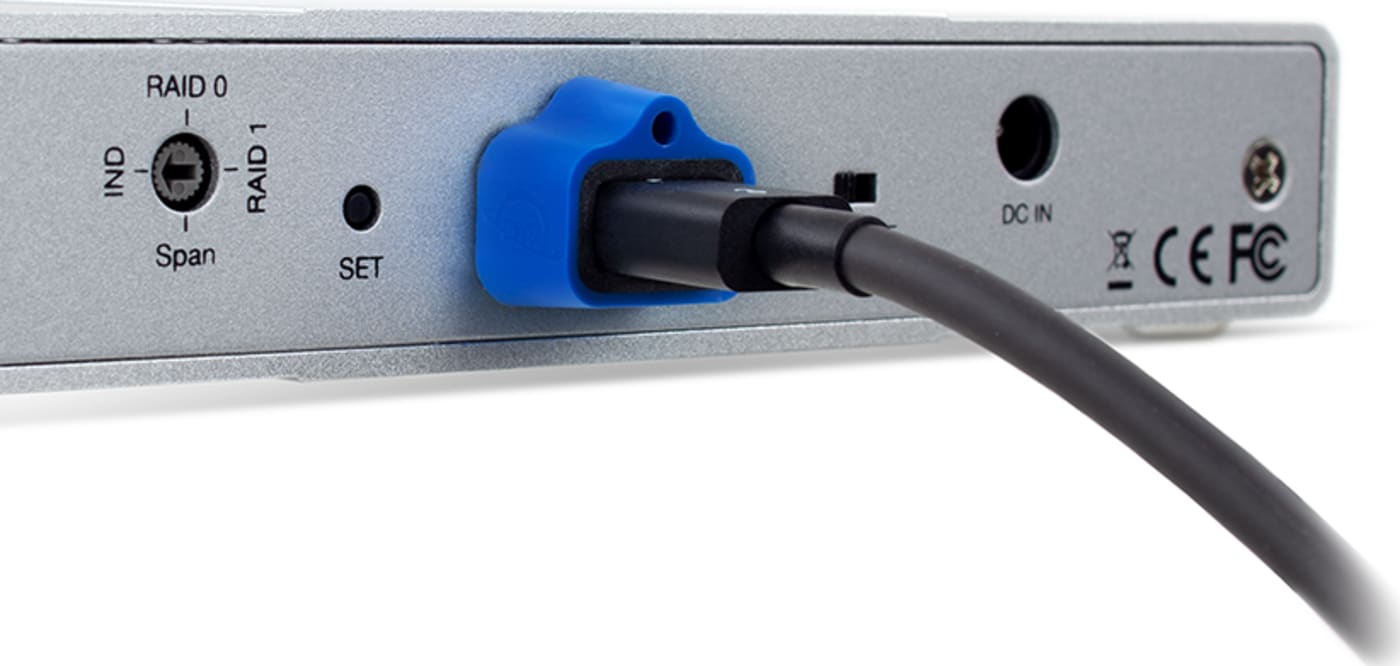
Active workspaces expose gear to unexpected bumps and shoves. OWC ClingOn custom cable stabilizers (available separately) are the quick and easy way to reduce – if not completely eliminate – cable strain on Thunderbolt and USB-C connections so you can work with ultimate confidence even in the highest foot traffic environments.
- Apple Mac models with Thunderbolt 2/Thunderbolt ports can be connected using an Apple Thunderbolt 3 (USB-C) to Thunderbolt 2 Adapter and a Thunderbolt 2 cable (available separately). This configuration provides data transfer at up to 20Gb/s but does not support notebook charging.